1
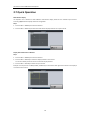
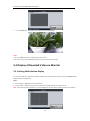
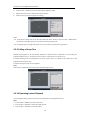
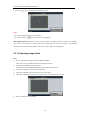
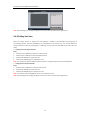
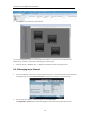
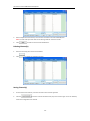
User Manual of DS-1100KI Network Keyboard 3. Press the ESC key on the keyboard to enter full-screen preview mode. Notes: Up to 1080P resolution is supported for local live view. User can press the 0+CAM keys to stop the live view of the current window. 5.3 Display of Decoded Video on Monitor 5.3.1 Setting Multi-division Display You can select different multi-division display modes for the selected output channel. Currently, 1/4/9/16-division display modes are configurable. Steps: 1. Press the Num + MON keys to select the monitor. 2. Press the Num + MULT keys to select the multi-division display mode for the output channel. Note: In the local live view mode when you input 0+MON keys, the multi-division display mode is not supported. 60