1
Florida Courts E-Filing Portal
E-Filer Manual
Attorney Filer Roles
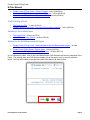
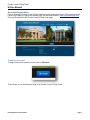
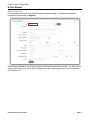
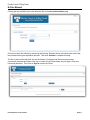
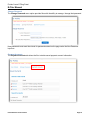
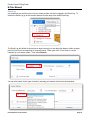
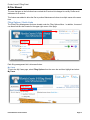
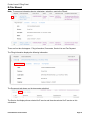
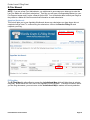
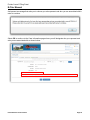
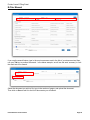
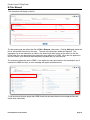
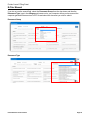
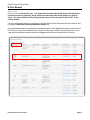
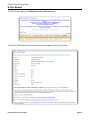
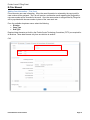
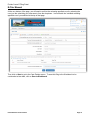
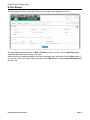
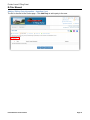
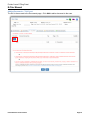
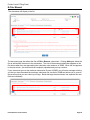
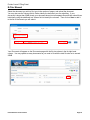
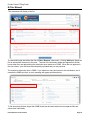
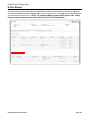
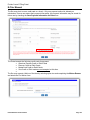
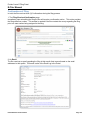
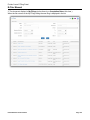
For the Attorney filer role you will see this registration page:
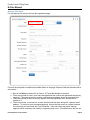
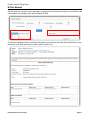
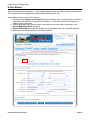
Filers will be prompted to complete all available fields on the page. Required fields are indicated with a
red asterisk.
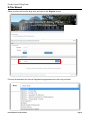
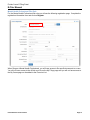
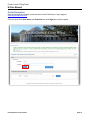
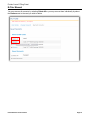
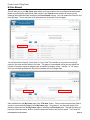
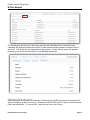
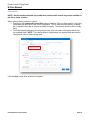
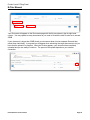
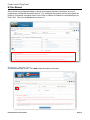
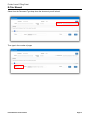
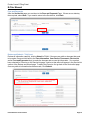
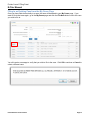
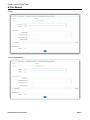
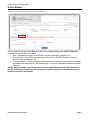
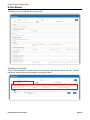
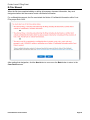
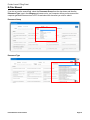
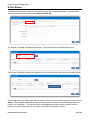
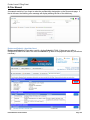
1. Next to the Role drop down click on Select. A Florida Bar Number is required.
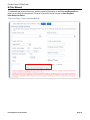
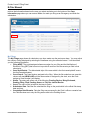
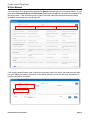
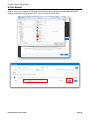
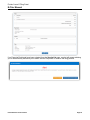
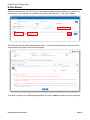
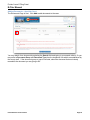
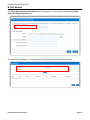
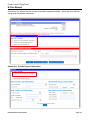
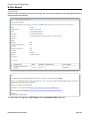
2. Filers are required to enter a user name and password and confirm their password selection by
retyping it. The requirements for creating a valid password appear above the password field.
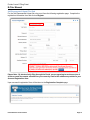
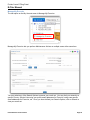
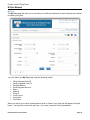
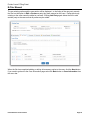
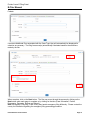
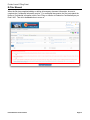
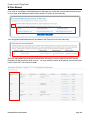
3. Filers are required to select a security question from the drop down menu and provide an
answer to it.
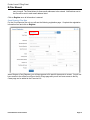
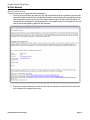
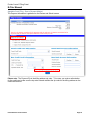
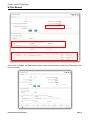
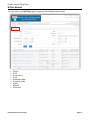
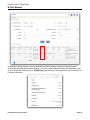
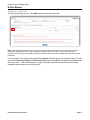
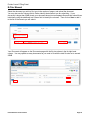
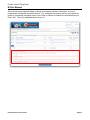
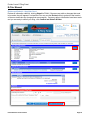
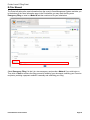
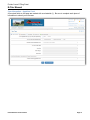
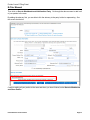
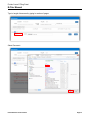
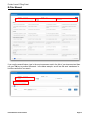
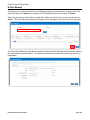
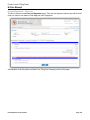
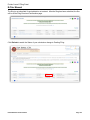
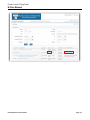
4. Filers are required, at a minimum, to enter their first and last name along with a primary email
address. To receive a quick automated approval, be sure that the name you register matches
the name that you have listed with The Florida Bar. If the name does not match, manual
approval will be necessary and a delay in registering may occur. All notifications to the filer are
E-Filer Manual version 2015.01
Page 9