1
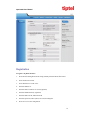
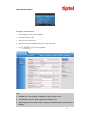
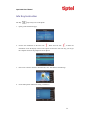
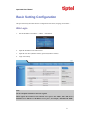
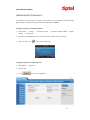
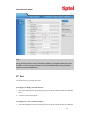
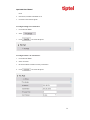
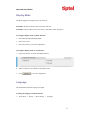
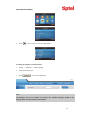
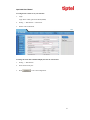
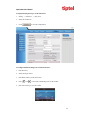
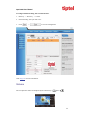
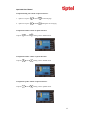
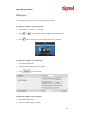
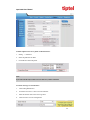
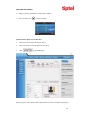
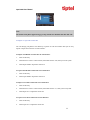
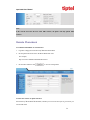
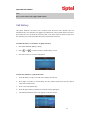
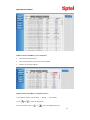
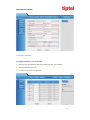
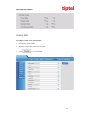
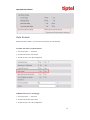
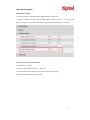
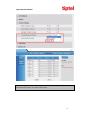
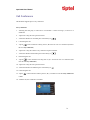
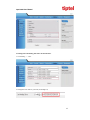
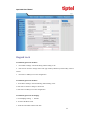
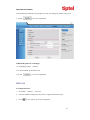
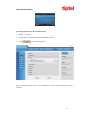
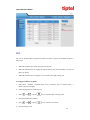
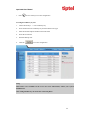
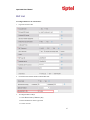
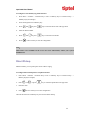
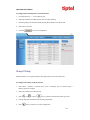
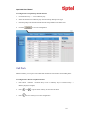
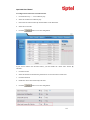
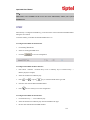
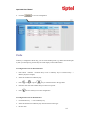
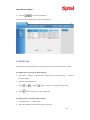
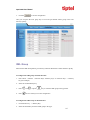
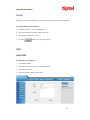
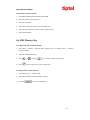
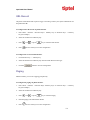
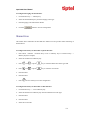
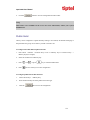
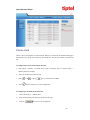
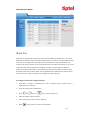
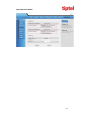
tiptel 3030 User Manual To register via web interface: 1. Login webpage and Click AccountBasic 2. Select the desired Account 3. Select Yes for Account Active 4. Filled the Primary SIP SERVER and other account information 5. Click to save the configuration. Note: 1. All fields with * must be filled. If changed, it requires a phone restart. 2. Account Status says the account registered successfully or not. 3. When change the account information via phone, it will show Restart note when back to idle page. 15