1
User’s Manual
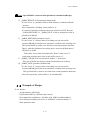
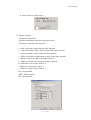
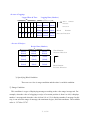
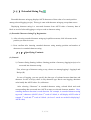
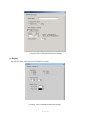
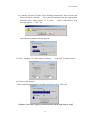
⑤ Modify Description : Modifies or changes description.
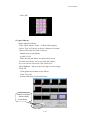
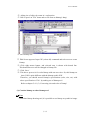
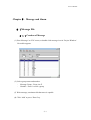
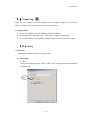
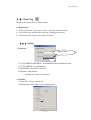
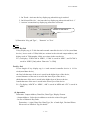
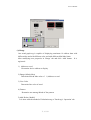
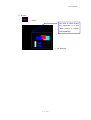
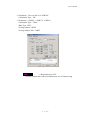
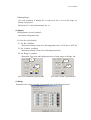
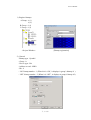
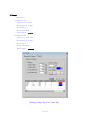
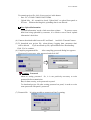
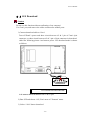
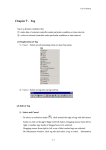
(2) Information Window
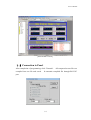
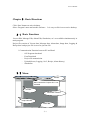
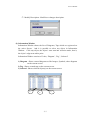
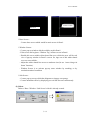
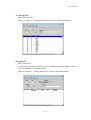
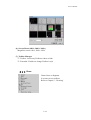
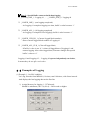
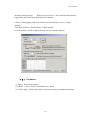
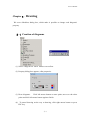
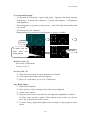
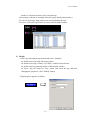
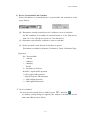
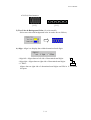
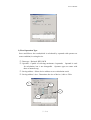
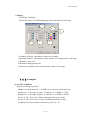
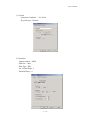
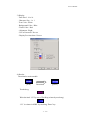
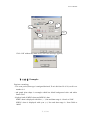
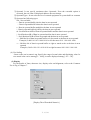
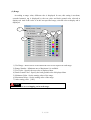
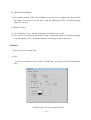
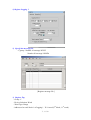
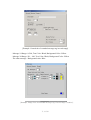
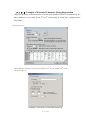
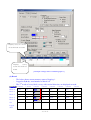
Information Window shows the list of Diagrams, Tags which are registered on
the active Screen. And it is possible to select any object in Information
Window. Click any object, the object’s state turn into selection mode, that is,
the object’s edge turns white point.
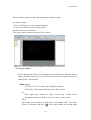
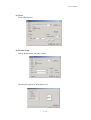
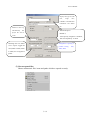
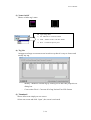
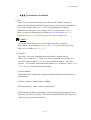
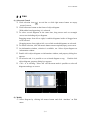
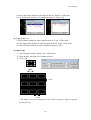
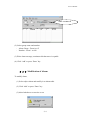
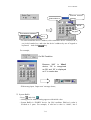
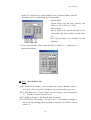
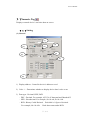
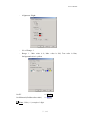
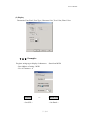
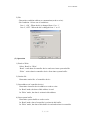
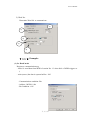
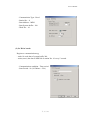
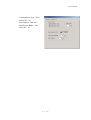
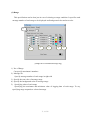
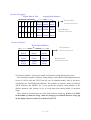
Information Window consists of 3 tabs, ‘Diagram’, ‘Tag’, ‘Selected’
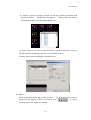
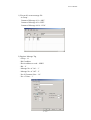
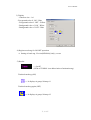
1) Diagram : Shows created diagrams as like Images, Symbols, other diagrams
on the current screen.
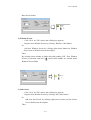
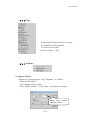
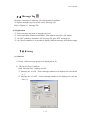
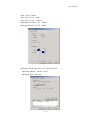
2) Tag : Shows created tags on the current screen.
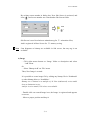
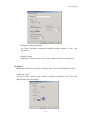
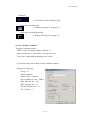
3) Selected : Shows selected object(s) on the current screen.
1)
3)
2)
3-7