1
NEW KEY CARD SOFTWARE: USER’S MANUAL
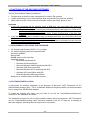
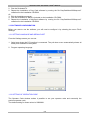
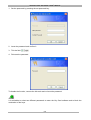
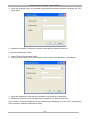
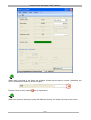
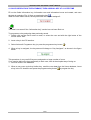
3. Press the button “Webcam settings”
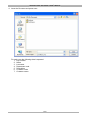
4. Select the device you plan to use and press OK.
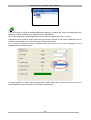
5. Enable use of the webcam by ticking the enable field
.
Important
In order to use a webcam to take photo, the Windows XP operating system is required.
4.6.2 INSERTING A PHOTO ID
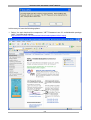
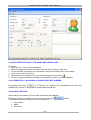
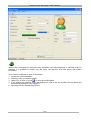
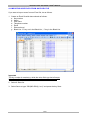
To insert a photo in the Users database:
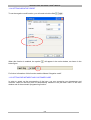
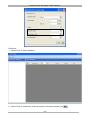
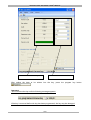
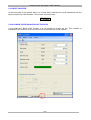
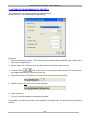
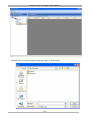
1. Press the Image key:
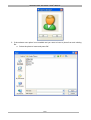
a. If the webcam use option is enabled:
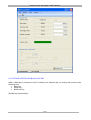
• Focus on the subject and press OK.
29/39