1
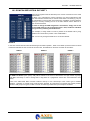
DATASET 1 CONFIGURATION
18.10
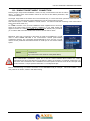
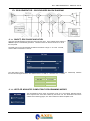
AF LIST CONSTRUCTION METHOD
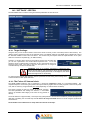
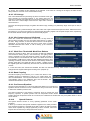
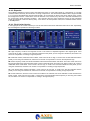
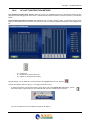
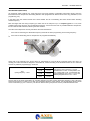
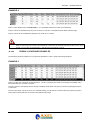
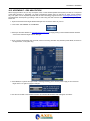
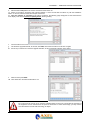
First loading procedure (Drag & Drop) Select the AF from the available frequencies in the left-hand window by leftclicking them, then dragging over to the AF list. Release the left-hand mouse button to drop the frequency in the desired
AF list.
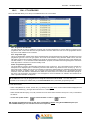
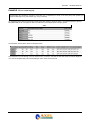
Second loading procedure (preset AF list) Highlight the AF to load by clicking on them. The selected column will go
bright red. Now double-click on the items you want in the main list; these will appear automatically in the highlighted AF
list.
-
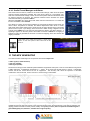
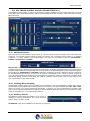
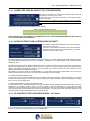
"U" = prepare AF
“B” = create AF list with Procedure “B”
“R” = refresh AF using previous ranking
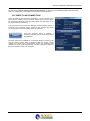
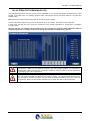
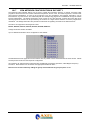
By right-clicking, you can delete ALL the frequencies in the highlighted list or in ALL the lists.
The lists containing at least one entry (i.e. not empty) are shown in blue.
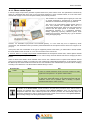
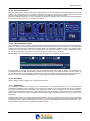
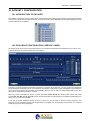
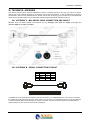
- To delete a frequency from the list, left-click it, then drag it over to the rubbish bin (alternatively, click on
the 'Delete' button). Right-clicking on the rubbish bin with a skull on it deletes just one AF list.
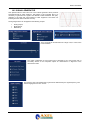
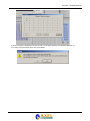
You can now select the AF list to delete and press OK to delete it.
| DATASET 1 CONFIGURATION
- 71