1
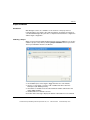
Monitoring
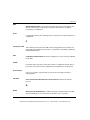
Field Name
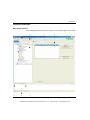
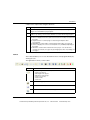
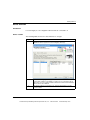
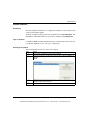
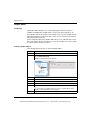
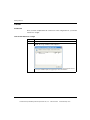
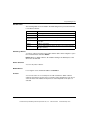
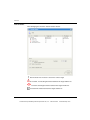
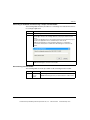
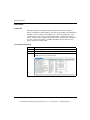
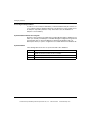
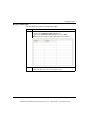
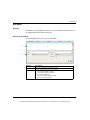
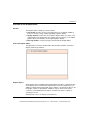
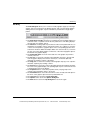
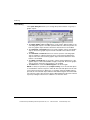
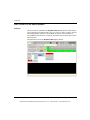
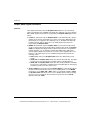
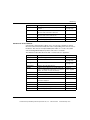
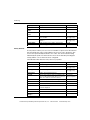
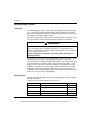
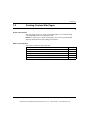
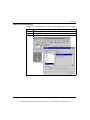
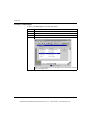
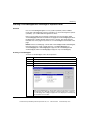
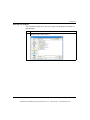
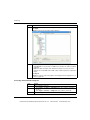
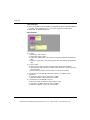
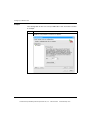
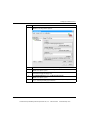
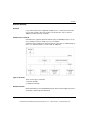
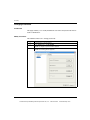
The fields in the Data Editor screen are:
Fields
Function
Name
The Name column contains the names of symbolic variables from the
Namespace.
The symbolic variables which may be used in the Data Editor are those
that have been predefined by the configuration tool. The symbolic
variables are grouped in a file called Namespace.
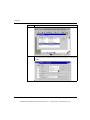
Address
The Address column contains the addresses of the symbols. You can
display any direct address by entering its reference in this field. This direct
address does not need to be referenced in Namespace. However, a
symbol must be associated with this direct address.
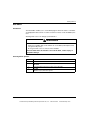
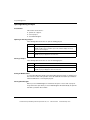
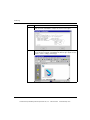
Type
Data type (see page 82): input or output register, input or output bit.
Format
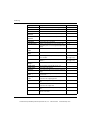
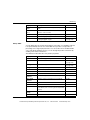
Format (see page 83) of the data value.
Read Only
If this box is selected the variable cannot be output directly.
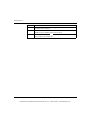
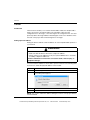
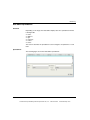
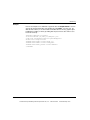
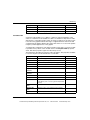
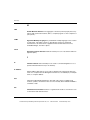
Type Field
The Data Type field contains the data type of the symbol variable or direct address.
The types of data of the symbolic variable appear automatically when the symbol
variable is located. Direct address data types must be set by the user from a dropdown list.
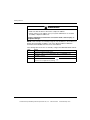
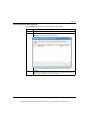
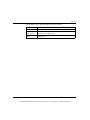
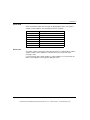
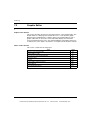
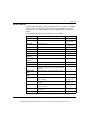
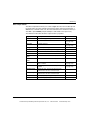
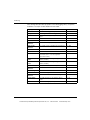
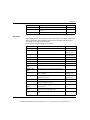
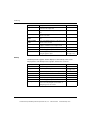
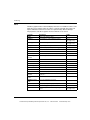
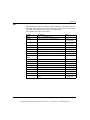
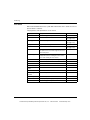
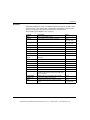
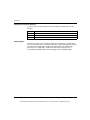
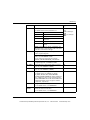
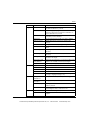
The following data types are valid:
Abbreviation
Data type
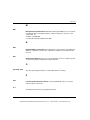
INT
16-bit signed integer
UINT
16-bit unsigned integer
DINT
32-bit signed integer
UDINT
32-bit unsigned integer
REAL
32-bit IEEE floating point
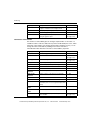
TIME
32-bit unsigned integer (in ms)
DATE
Date (32-bit BCD)
TOD
Date/time (32-bit BCD)
BOOL
1 internal bit (boolean)
82
35016149 02/2010
This document provided by Barr-Thorp Electric Co., Inc. 800-473-9123
www.barr-thorp.com