1
3.19 Voice Menu Prompts
This component is used for recording custom voice menu. There is a default Voice
Menu prompts named chinese_ivr.wav. Now, please follow me to record a new voice
menu prompt.
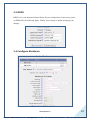
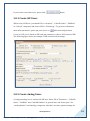
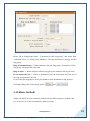
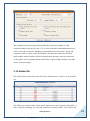
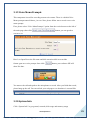
First, please select “Voice Menu Prompts” option from the vertical menu on the left of
the main page, then click
button, you can get the a
screen to set.
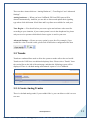
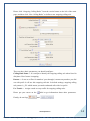
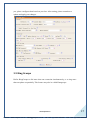
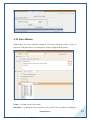
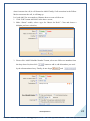
Here I set OpenVox as the file name and dial extension 6000 to record the
format .gsm new voice prompt. Once click
button, your software SIP will
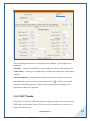
show like that:
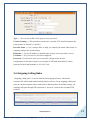
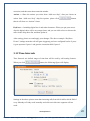
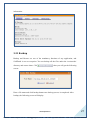
You answer the call and speak to the microphone to record. After you finish the record,
please hang up the call. You can refresh your webpage to see that there is a sound like
3.20 System Info
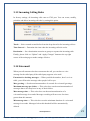
Click “System Info” to get general, network, disk usage and memory usage
www.openvox.cn
26
VoIPon www.voipon.co.uk [email protected] Tel: +44 (0)1245 808195 Fax: +44 (0)1245 808299