1
User Manual LadderLOGIX
9.2
Device Settings
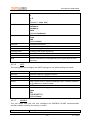
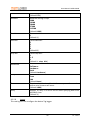
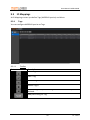
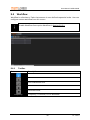
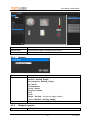
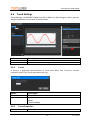
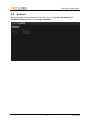
At device settings screens you can make configuration changes to device.
9.2.1
General
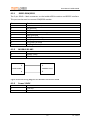
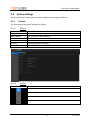
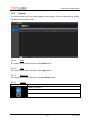
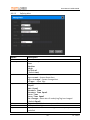
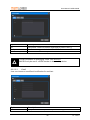
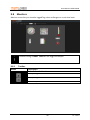
This tab shows the general settings for device.
9.2.1.1
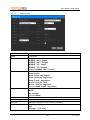
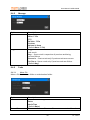
Options
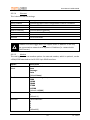
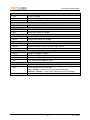
Option
Serial
MAC Address
Firmware
Name
Internet
Cloud
9.2.1.2
Button
Description
Device Serial Number.
Unique Device MAC address.
Device Firmware version.
Device Name; also reflected on network.
Internet connection status.
WebFRONT connection status.
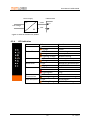
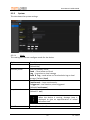
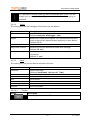
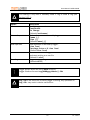
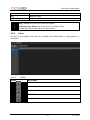
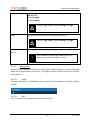
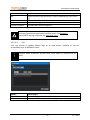
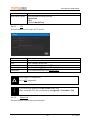
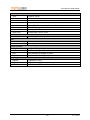
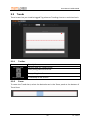
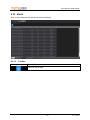
Toolbar
Description
Refresh General Settings.
Save changes to Device Name.
Restart device.
Upgrade device firmware
21
ver. 1.6.0.0