1
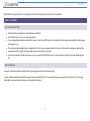
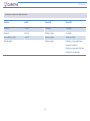
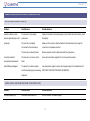
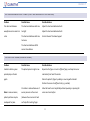
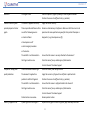
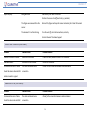
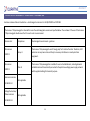
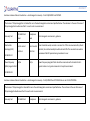
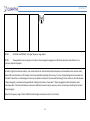
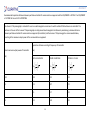
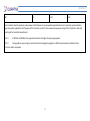
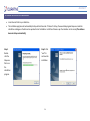
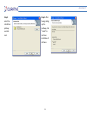
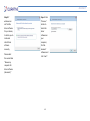
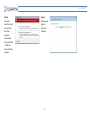
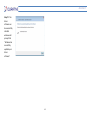
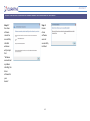
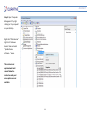
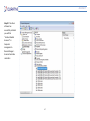
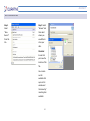
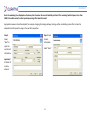
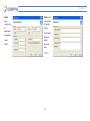
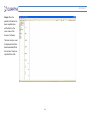
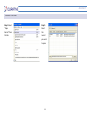
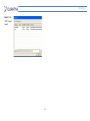
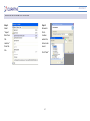
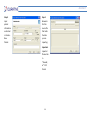
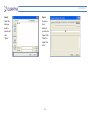
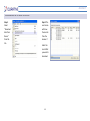
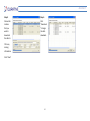
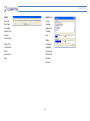
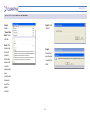
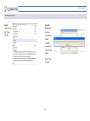
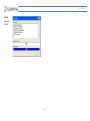
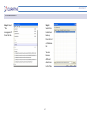
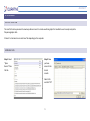
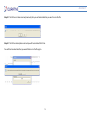
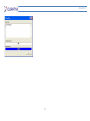
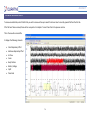
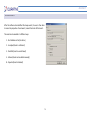
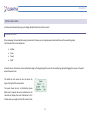
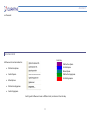
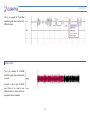
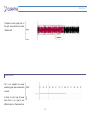
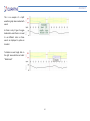
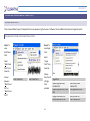
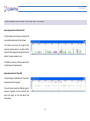
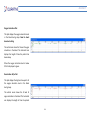
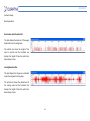
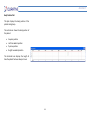
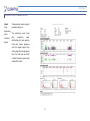
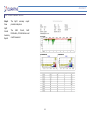
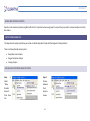
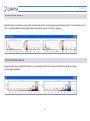
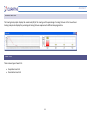
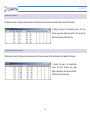
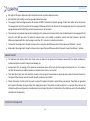
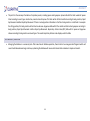
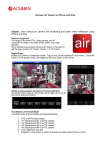
Acumen 7 EDITING FLOW EVENTS A textbox will automatically pop-up to display detailed information of these events. MARKING AN EVENT When reviewing the recorded data using the Acumen7 software you can log sleep events and mark these on the waveform graphs. The channels that can be marked are: Airflow Snore Power SpO2 All events across all channels can be marked by clicking on the beginning of the event on the waveform graph and dragging the mouse to the point where the event ends. The details of each event can also be access by single clicking the left mouse button. The event shown here is an Obstructive Apnea (OSA) event, however all events marked across all channels will display the event information in this format when you single click the left mouse button 76