1
CHAPTER 4
INSTRUCTIONS FOR USE
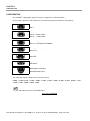
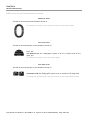
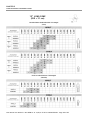
POSITIONING THE PATIENT - 3°
Position the patient according to standard intra-oral procedures.
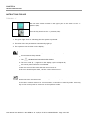
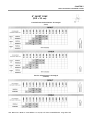
POSITIONING THE FILM OR SENSOR - 4°
Position either the film or the digital sensor depending on the technique to be used.
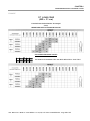
POSITIONING THE CONE - 5°
Position the cone according to standard intra-oral procedures.
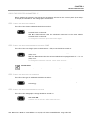
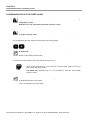
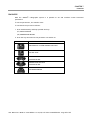
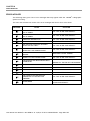
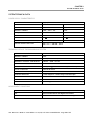
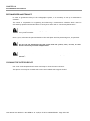
CHECK THE SELECTED TIME ON THE DISPLAY - 6°
Before proceeding with the exposure, check the selected time on the display.
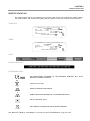
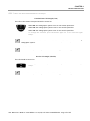
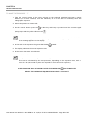
To change the selection press the following keys.
WARNING
This modification of the exposure time is momentary and will be lost unless it is
saved.
(refer to Chapter 6).
To restore the previous values, press one of the keys with the LED turned off on the
control panel.
User Manual ● X-Mind AC ● W1100081 ● V1 ● (02) ● 07/2014 ● NXACEN010A - Page 19 of 37