1
mControl v2 (Home Edition) User Manual
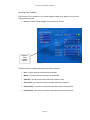
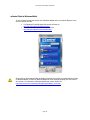
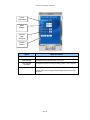
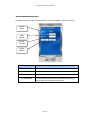
Touch Screen Operation
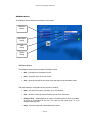
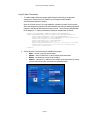
Most mControl clients can be operated via a touch screen interface, though there is no provision for
entering information, only controlling automation.
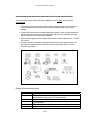
Examples of touch screen interfaces are:
¾ In-wall or wall-mount computers
¾ Table-side touch screen computers
¾ Mobile touch screen computer (e.g., Samsung Q1 Ultra-Mobile PCs)
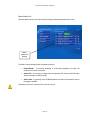
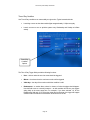
The following mControl clients lend themselves to touch screen operation:
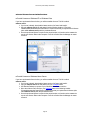
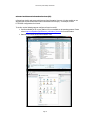
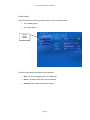
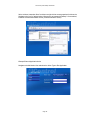
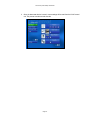
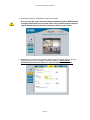
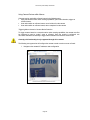
¾ mControl Internet Explorer User Interface. When used within Internet Explorer, consider using
the Full Screen (F11) option and hiding all tool and status bars.
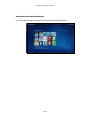
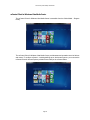
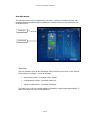
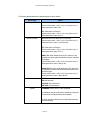
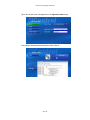
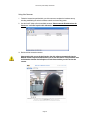
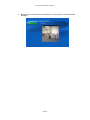
¾ mControl Media Center User Interfaces (MCE 2005 and Vista).
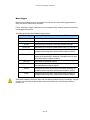
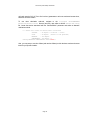
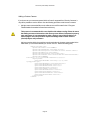
Microsoft Vista MC provides built-in touch screen navigation capabilities. For more information on this,
please visit: http://blogs.gotdotnet.com/astebner/archive/2006/08/29/730866.aspx - this requires setting
Windows Vista registry values.
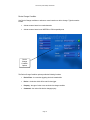
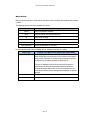
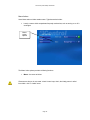
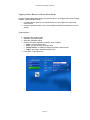
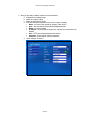
Media Center Extenders
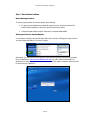
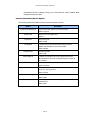
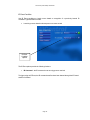
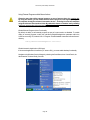
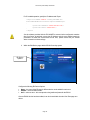
If you have installed mControl on a Windows Media Center computer (MCE 2005 or Vista MC) or if you
have registered a link to mControl from a Windows Media Center computer (MCE 2005 or Vista MC),
mControl is available to any attached Windows Media Center Extenders, including Xbox 360 systems.
Page 68