1
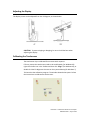
Adjusting the Display The display screen can be adjusted from 0 to 70 degrees, as shown below. 0°
70°
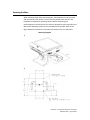
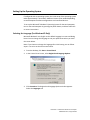
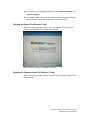
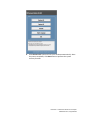
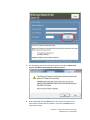
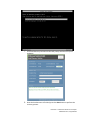
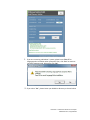
CAUTION: To prevent tipping or dropping, be sure to hold the base when adjusting the display. Calibrating the Touchscreen The touchscreen is pre‐calibrated for accurate touch response. If for any reason the touchscreen needs to be recalibrated, (For Windows XP) right‐click the Elo icon in the Taskbar and then click “Align” (for Windows XP), or double‐click the Elo Alignment shortcut on the system desktop (for Windows 7) This launches the calibration program. The window shown below opens. Follow the instructions to calibrate the touchscreen. User Guide – B-Series Rev-B AiO Touchcomputer
SW602032 Rev C, Page 7 of 47