1
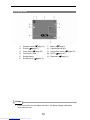
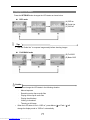
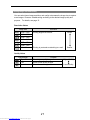
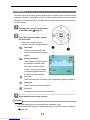
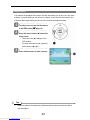
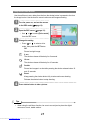
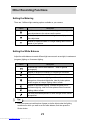
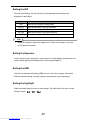
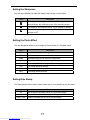
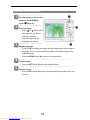
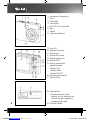
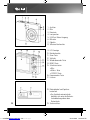
Changing the LCD Status Press the SET/DISP button changes the LCD status as shown below: REC mode (A) OSD on (B) Guide line (C) OSD off Tips y Use the “Guide line” to compose images easily before shooting images. PLAYBACK mode (D) Full OSD (E) Basic OSD Caution y y You cannot change the LCD status in the following situation: 。 Manual exposure 。 Recording movie clips or audio files 。 Playing movie clips or audio files 。 Playing the slideshow 。 Viewing in thumbnail 。 Trimming a still image When the LCD status is not in “OSD on”, press Macro ( ) or Flash ( ) will change the display mode to “OSD on” automatically. 11 Downloaded from www.Manualslib.com manuals search engine