1
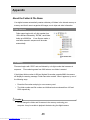
Editing Images
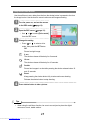
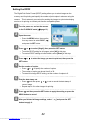
Rotating Still Images
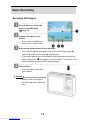
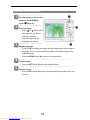
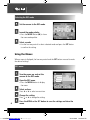
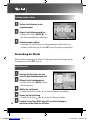
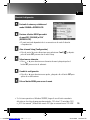
1
Turn the power on, and set the
camera to the PLAYBACK mode
(
2
page 13).
Press
or
to select the image
you want to rotate.
3
Open the menu.
y
Press the MENU button, then use the four-way control to select Rotate (
and press the SET button.
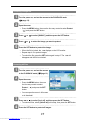
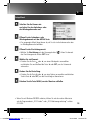
4
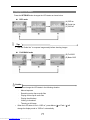
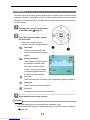
Press the SET button to rotate the image.
y
5
Each press rotates the image 90 degrees in clockwise.
Press
or
to select OK, and then press the SET button to finish
rotating.
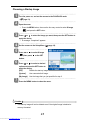
Changing the Image Size
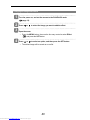
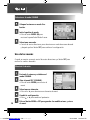
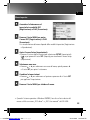
1
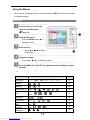
Turn the power on, and set the camera to the PLAYBACK mode
page 13).
(
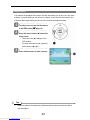
2
Press
3
Open the menu.
y
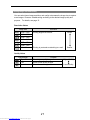
Press
y
to select the image you want to resize.
Press the MENU button, then use the four-way control to select Resize
(
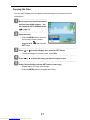
4
or
) and press the SET button.
or
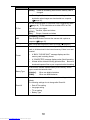
to select an option, and then press the SET button.
The resized image will be saved as a new file.
Caution
y
Only a large size image can be resize to a smaller one.
39
Downloaded from www.Manualslib.com manuals search engine
)