1
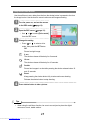
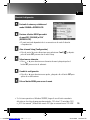
Recording Movie Clips
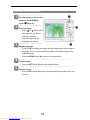
1
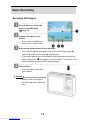
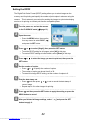
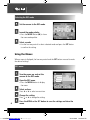
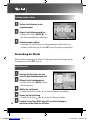
Turn the power on, and set the
camera to the Movie mode
page 13).
(
2
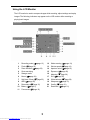
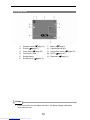
Compose the subject on the
monitor.
y
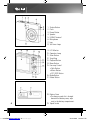
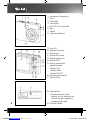
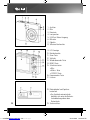
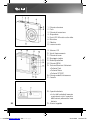
Aim the focus area (q) to the
subject that you want to take.
y
The LCD monitor displays the
available recording time (p).
3
Start recording.
y
Press the shutter button (n) to
start recording.
y
Using the zoom button (o) to
adjust the image size.
y
The White Balance is set and
locked to the settings of the first
frame
Caution
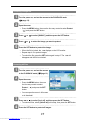
4
y
Sound cannot be recorded while pressing the zoom button..
y
The digital zoom cannot be used in Movie mode.
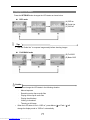
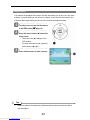
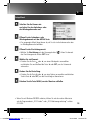
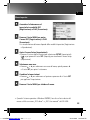
Finish recording.
y
Press the shutter again to end recording.
y
The camera will stop recording automatically when the memory capacity
has been reached.
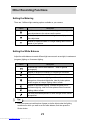
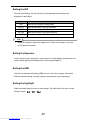
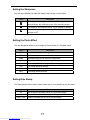
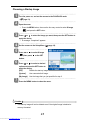
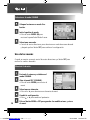
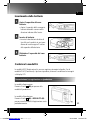
Setting the Movie Size
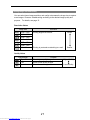
Movie Size and Frame Rate
Resolution
Frame Rate
720 x 400
640 x 480
Higher Quality
30 frames/sec.
Lower Quality
320 x 240
26
Downloaded from www.Manualslib.com manuals search engine