1
PyFITS Documentation, Release 3.2.2
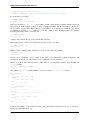
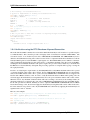
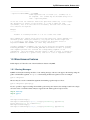
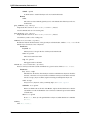
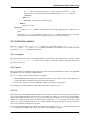
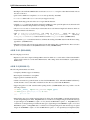
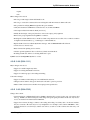
example:
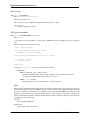
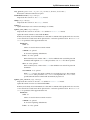
>>> del hdr[’DP3.A*...’]
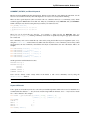
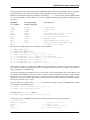
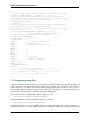
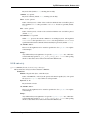
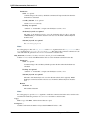
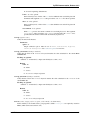
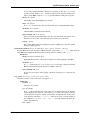
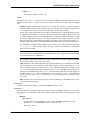
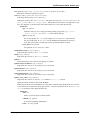
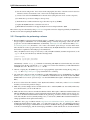
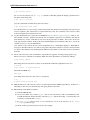
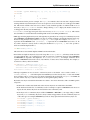
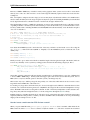
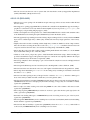
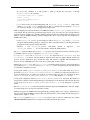
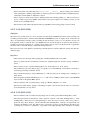
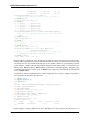
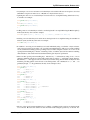
• As noted above, accessing pyfits Header object using the special pattern matching keys will return a CardList
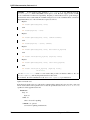
object. This CardList object can itself be searched in order to further refine the list of Cards. For example:
>>>
>>>
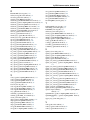
DP1
DP1
DP1
DP1
DP1
DP1
>>>
>>>
DP1
DP1
DP1
cl=hdr[’DP1...’]
print cl
= ’NAXIS: 2’
= ’AXIS.1: 1’
= ’AXIS.2: 2’
= ’NAUX: 2’
= ’AUX.1.COEFF.1:
= ’AUX.2.COEFF.2:
cl1=cl[’*.*AUX...’]
print cl1
= ’NAUX: 2’
= ’AUX.1.COEFF.1:
= ’AUX.2.COEFF.2:
0.000488’
0.00097656’
0.000488’
0.00097656’
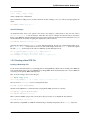
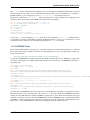
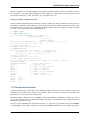
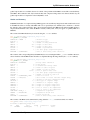
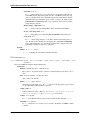
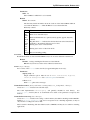
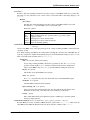
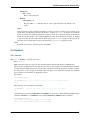
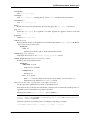
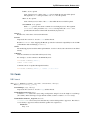
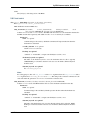
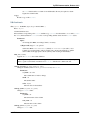
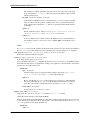
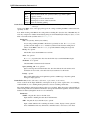
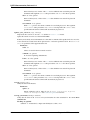
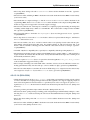
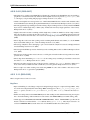
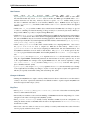
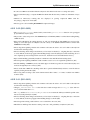
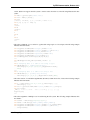
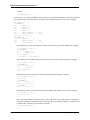
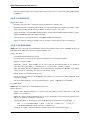
– The CardList keys() method will allow the retrivial of all of the key values in the CardList. For example:
>>> cl=hdr[’DP1.AXIS.*’]
>>> print cl
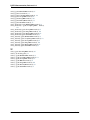
DP1
= ’AXIS.1: 1’
DP1
= ’AXIS.2: 2’
>>> cl.keys()
[’DP1.AXIS.1’, ’DP1.AXIS.2’]
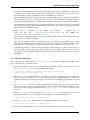
– The CardList values() method will allow the retrivial of all of the values in the CardList. For example:
>>> cl=hdr[’DP1.AXIS.*’]
>>> print cl
DP1
= ’AXIS.1: 1’
DP1
= ’AXIS.2: 2’
>>> cl.values()
[1.0, 2.0]
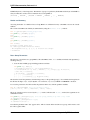
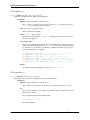
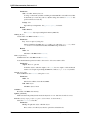
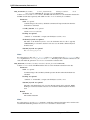
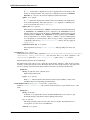
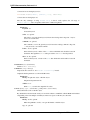
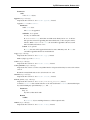
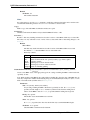
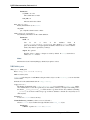
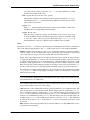
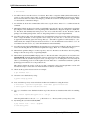
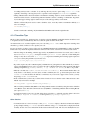
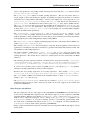
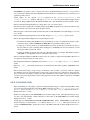
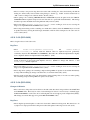
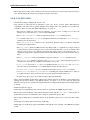
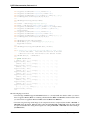
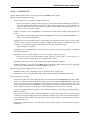
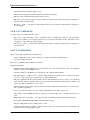
– Individual cards can be retrieved from the list using standard list indexing. For example:
>>>
>>>
>>>
DP1
>>>
>>>
DP1
cl=hdr[’DP1.AXIS.*’]
c=cl[0]
print c
= ’AXIS.1: 1’
c=cl[’DP1.AXIS.2’]
print c
= ’AXIS.2: 2’
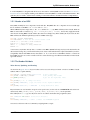
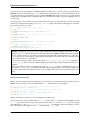
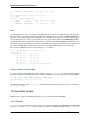
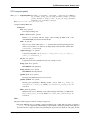
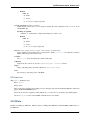
– Individual card values can be retrieved from the list using the value attribute of the card. For example:
>>> cl=hdr[’DP1.AXIS.*’]
>>> cl[0].value
1.0
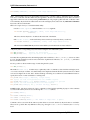
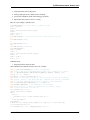
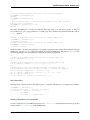
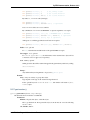
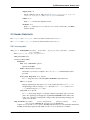
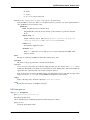
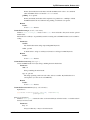
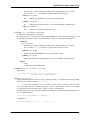
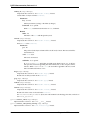
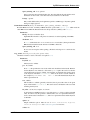
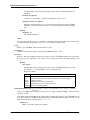
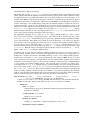
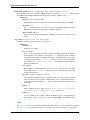
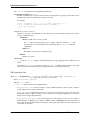
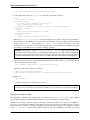
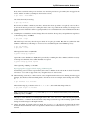
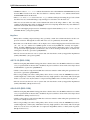
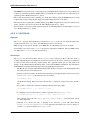
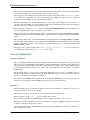
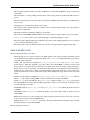
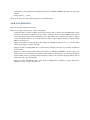
– The cards in the CardList are shared instances of the cards in the source header. Therefore, modifying a
card in the CardList also modifies it in the source header. However, making an addition or a deletion to the
CardList will not affect the source header. For example:
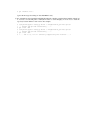
>>> hdr[’DP1.AXIS.1’]
1.0
186
Chapter 4. Appendix