1
G DRIVE
Using Your Drive with Mac OS®
with Thunderbolt™
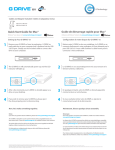
Initialize Drive for Mac
G-DRIVE mobile with Thunderbolt has been factory-formatted, or ‘initialized’, for use
with Mac OS. Should you wish to reinitialize the drive—and quickly erase all contents
of the drive—here are the steps:
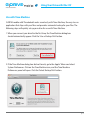
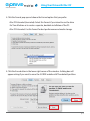
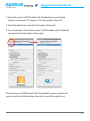
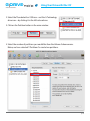
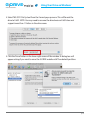
1. First, open the Disk Utility program, located on your hard drive under Applications/
Utilities/Disk Utility. The window below will appear, and your G-DRIVE mobile with
Thunderbolt will be displayed in the left-hand column.
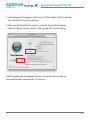
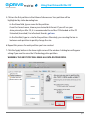
2. Select your drive by clicking its icon in the left-side column. Information about the
drive will be displayed at the bottom of the window.
3. Select the Erase tab to view the formatting options. By default, the Format pop-up
menu is set to the Mac OS Extended (Journaled) option.
p.14