1
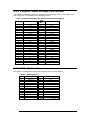
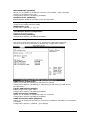
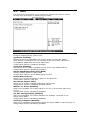
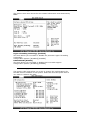
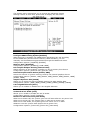
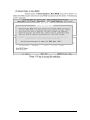
D.7.5 Hardware Health Configuration
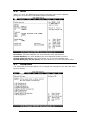
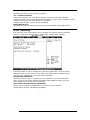
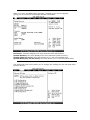
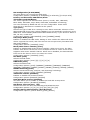
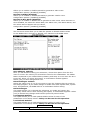
D.7.6 ACPI Configuration
Allows you to change the settings for the Advanced Power Management (APM).
Select an item then press Enter to display the configuration options.
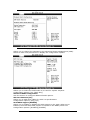
General ACPI Configuration
Allows you to select the ACPI state to be used for system suspend.
Configuration options: [S1 (POS) Only]
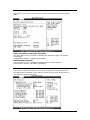
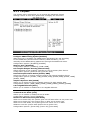
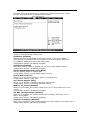
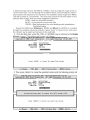
Advanced ACPI Configuration
Use this section to configure additional ACPI options.
ACPI 2.0 Features [No]
Allows you to add more tables for ACPI 2.0 specifications.
Configuration options: [No] [Yes]
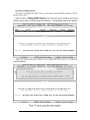
ACPI APIC support [Enabled]
Allows you to enable or disable the ACPI support in the ASIC. When set to
Enabled, the ACPI APIC table pointer is included in the RSDT pointer list.
Configuration options: [Disabled] [Enabled]
51