1
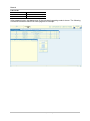
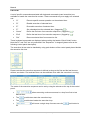
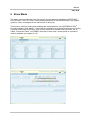
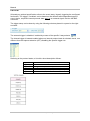
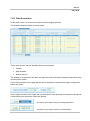
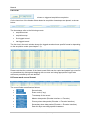
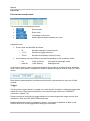
Manual PGT-09-S 7.2.2 Data Acquisition In this tab the user can control and monitor the data-logging process. The related workspace layout is shown below: Three main sections can be identified within the workspace: Header Main Window Bottom Section The Header is constituted of two bars (an upper-bar and a lower-bar) related to acquisition setup and acquisition status. On the left-hand side of the upper-bar the active acquisition mode and the trigger configuration status are shown: On the right-hand side of the upper-bar a push button to start and stop the acquisition along with a field showing the acquisition status are placed: as shown upon start to stop a running acquisition. as shown upon stop to start a new acquisition. 54 SICK STEGMANN GmbH Subject to change without notice