1
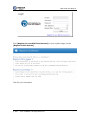
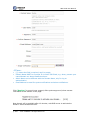
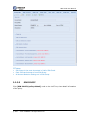
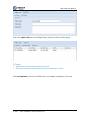
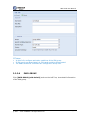
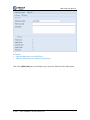
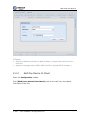
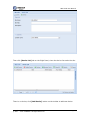
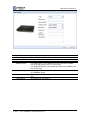
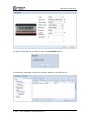
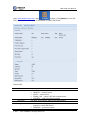
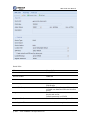
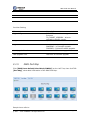
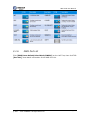
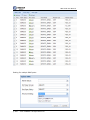
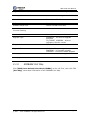
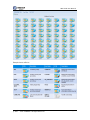
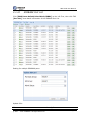
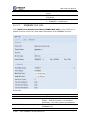
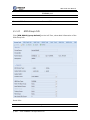
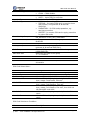
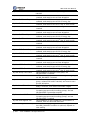
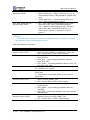
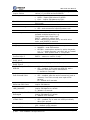
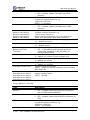
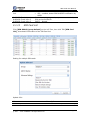
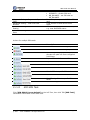
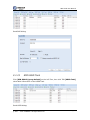
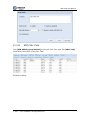
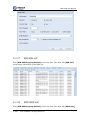
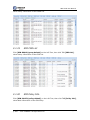
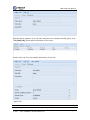
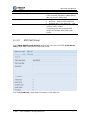
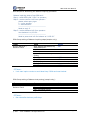
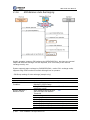
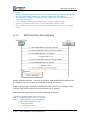
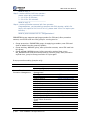
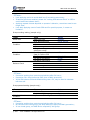
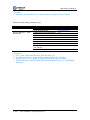
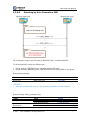
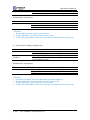
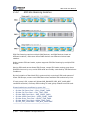
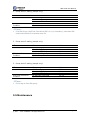
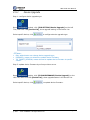
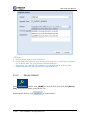
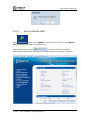
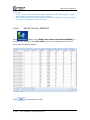
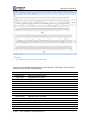
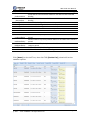
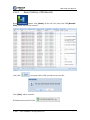
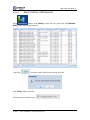
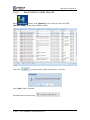
SIM Cloud User Manual 3.5.1 Device Upgrade Step 1: configure device upgrade type Open module, click [SYS SETTING/Device Upgrade] on the Left Tree, then click TAB [Device List], show upgrade setting in the Device List. Select specific device, click to configure device upgrade type. Notes: Only administrator can change device upgrade type; DISABLED, means not allowed to update device firmware; TO_TARGET_VERSION, means allowed to update device firmware to specific version. Step 2: update device firmware by online provision server Open module, click [SYS MAINTENANCE/Device Upgrade] on the Left Tree, then click TAB [Device List], show upgrade status in the Device List. Select specific device, click to update device firmware. Restricted © 2011 – 2012 DINSTAR All Rights Reserved Page 107