1
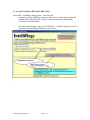
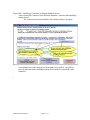
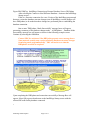
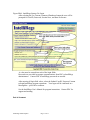
Figure IR#4: IntelliRegs Startup: Do Login
After selecting the Use Current-Connected Databases button the user will be
prompted for UserID, Password, Session Note, and State Preference.
A value must be entered into each of the login fields.
Passwords are provided in separate communications from PDC to IntelliRegs
administrators. Contact PDC if IntelliRegs passwords are needed.
After entering all login field values, select the Submit UserID, Password.. button
to begin IntelliRegs program operations. Your logon will be confirmed in a
MessageBox... press OK to continue.
See the IntelliRegs User's Manual for program instructions. Contact PDC for
support and training.
End of document
IntelliRegs Install/Update
Page 11 of 11