1
Chapter 6. Accessing the Camera over the Internet
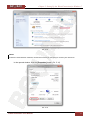
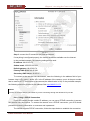
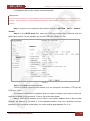
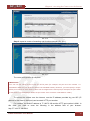
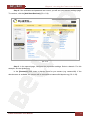
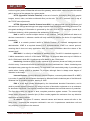
Step 5: your DynDNS account is created (Pic. 6.17).
Pic. 6.17
6.4.3. Creating a Domain Name at DynDNS
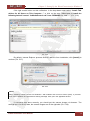
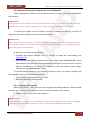
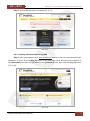
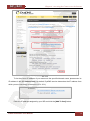
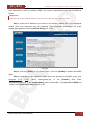
Step 1: open your browser, go to www.dyndns.com and log in with your username and your
password. To do so, click the [Sign In] button in the upper right corner and enter your username in
the [Username] field and your password in the [Password] field, then click the [Log In] button
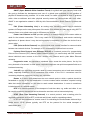
(Pic. 6.18).
Pic. 6.18
N1000 Installation User Manual
52