1
U
s
i
n
g
t
h
e
P
r
o
j
e
c
t
o
r
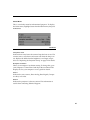
Contrast
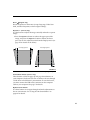
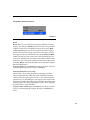
The contrast controls the degree of difference between the lightest
and darkest parts of the picture. Adjusting the contrast changes
the amount of black and white in the image.
1 Use the up and down arrows to highlight Contrast, press
menu/select, use the arrows to adjust the contrast, then press
menu/select to accept your changes.
Tint
NOTE: The color setting applies
to video sources only. The tint
setting applies to NTSC video
sources only.
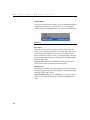
The tint adjusts the red-green color balance in the projected
image.
1 Use the up and down arrows to highlight Tint, press
menu/select, use the arrows to adjust the tint, then press
menu/select to accept your changes.
Color
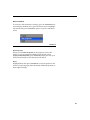
The color setting adjusts a video image from black and white to
fully saturated color.
1 Use the up and down arrows to highlight Color, press
menu/select, use the arrows to adjust the color, then press
menu/select to accept your changes.
Blank screen
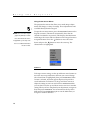
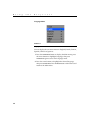
Blank Screen determines what color is displayed when there is no
active source and when the projector is in standby.
1 Use the up and down arrows to highlight Blank screen, press
menu/select, use the arrows to cycle through the options blue,
black, and white, then press menu/select to accept your selection.
18