1
6 UTILITY PACKAGE (GX Configurator-DN)
MELSEC-Q
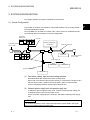
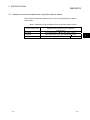
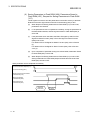
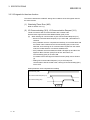
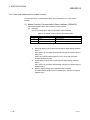
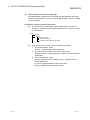
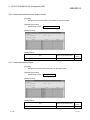
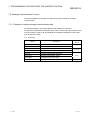
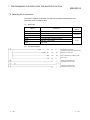
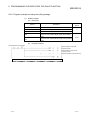
(2) Data created with the utility package
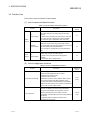
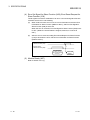
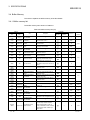
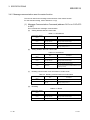
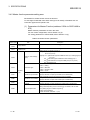
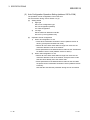
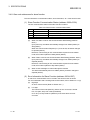
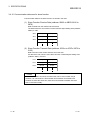
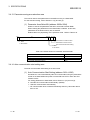
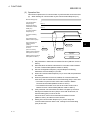
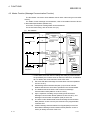
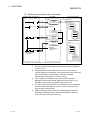
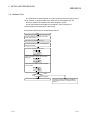
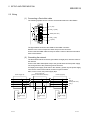
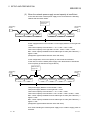
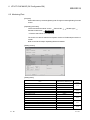
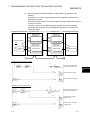
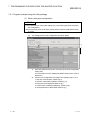
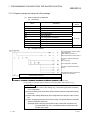
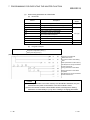
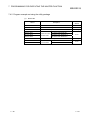
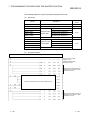
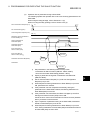
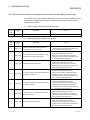
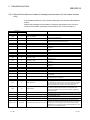
The following data or files that are created with the utility package can be also
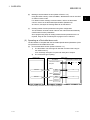
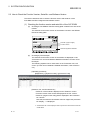
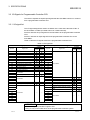
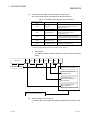
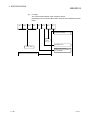
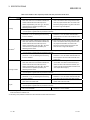
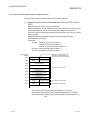
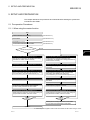
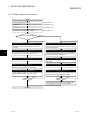
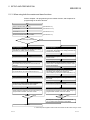
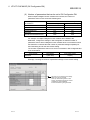
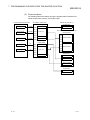
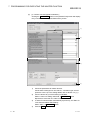
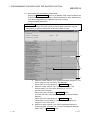
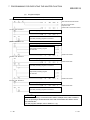
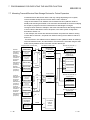
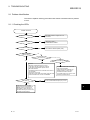
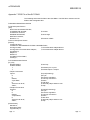
handled in GX Developer. Figure 6.1 shows respective data or files are handled
in which operation.
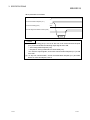
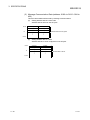
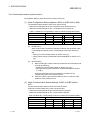
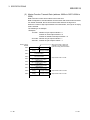
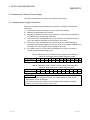
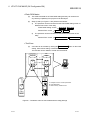
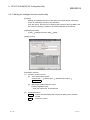
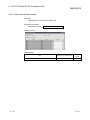
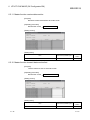
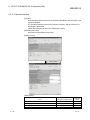
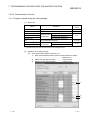
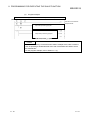
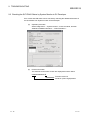
<Intelligent function module parameter>
(a)
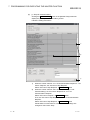
This represents the data created in Auto refresh setting, and they are
stored in an intelligent function module parameter file in a project created
by GX Developer.
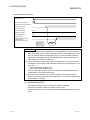
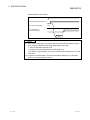
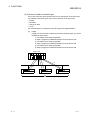
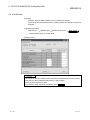
Project
Program
Parameter
PLC Parameter
Network Parameter
Intelligent Function Module Parameter
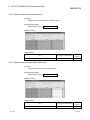
(b)
6-7
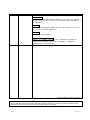
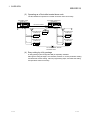
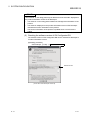
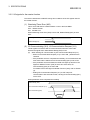
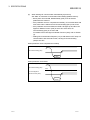
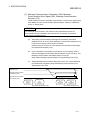
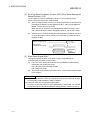
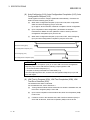
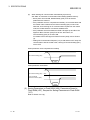
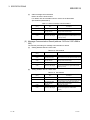
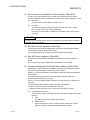
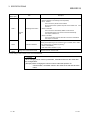
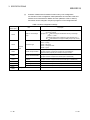
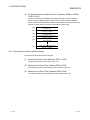
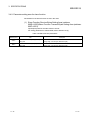
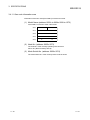
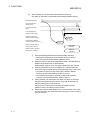
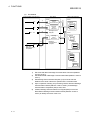
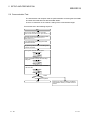
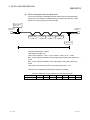
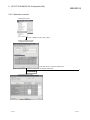
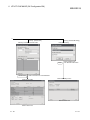
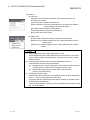
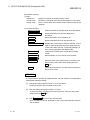
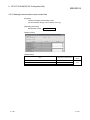
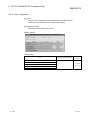
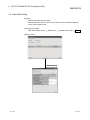
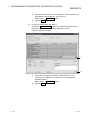
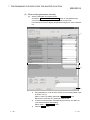
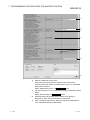
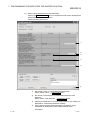
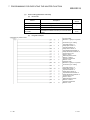
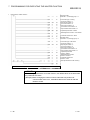
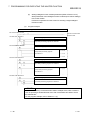
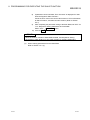
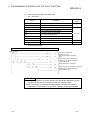
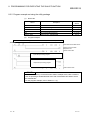
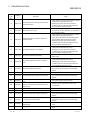
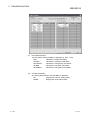
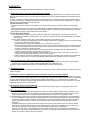
Steps 1) to 3) shown in Figure 6.1 are performed as follows:
1) From GX Developer, select:
[Project] [Open project] / [Save]/ [Save as]
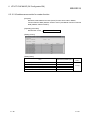
2) From the module selection screen of the utility, select:
[Intelligent function module parameter] [Open parameters] / [Save
parameters]
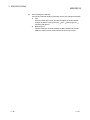
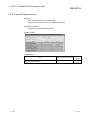
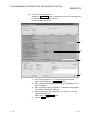
3) From GX Developer, select:
[Online] [Read from PLC] / [Write to PLC] "Intelligent function
module parameters"
Or, from the module selection screen of the utility,
[Online] [Read from PLC] / [Write to PLC]
6-7