1
Electronic Audiogram Program User Manual – Part 1 of 3
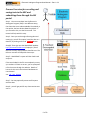
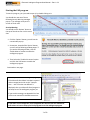
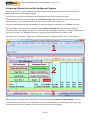
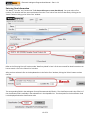
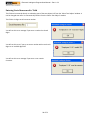
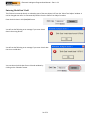
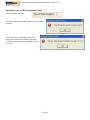
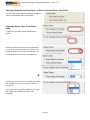
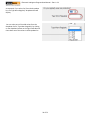
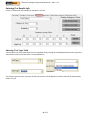
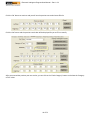
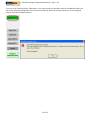
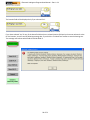
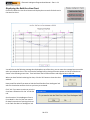
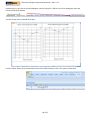
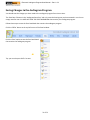
You will also see the following message box displayed on top of the chart,
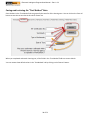
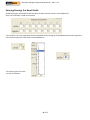
you can move the message box to one side when you review the chart. You
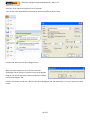
can move the message box by placing the mouse pointer to the top of the
box as shown in the following screen shot. Then hold down the left mouse
button and drag the box to the side.
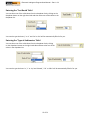
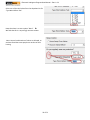
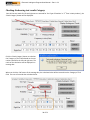
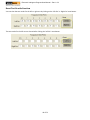
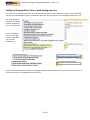
When you have finished reviewing the chart, click the ‘OK’ button to close
the chart window.
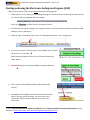
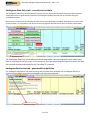
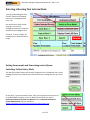
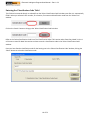
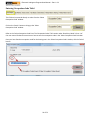
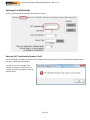
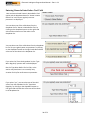
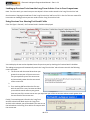
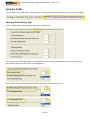
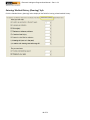
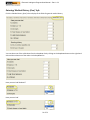
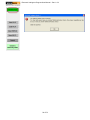
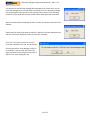
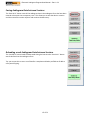
Next you will be asked if you want to hide the
‘Both Ears Bar Chart Audiogram’ tab which is the
tab that contains the chart you have just
reviewed.
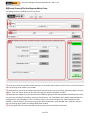
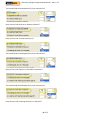
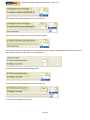
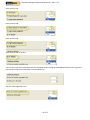
Click ‘Yes’ if you want to review or print chart
later. Otherwise click ‘No’ to hide the tab.
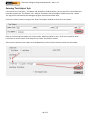
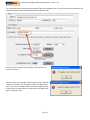
See the section ‘Print Audiogram Chart In Form Mode’ in Part 2 of the user manual for detail instructions of printing
the chart in the ‘Both Ears Bar Chart Audiogram’ tab.
58 of 72