1
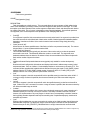
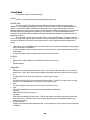
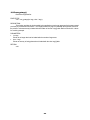
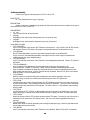
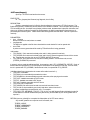
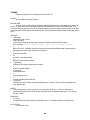
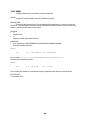
time). This command provides the user with a "1-command-window" to override that protection. Must be in
user-level 3 mode to do this.
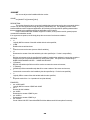
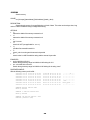
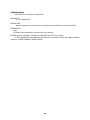
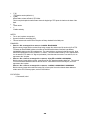
“prot”
This sets a flag that is used in the flash command to provide “soft” protection.
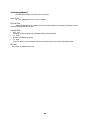
“unprot”
This clears the flag that is used in the flash command for “soft” protection.
"write {dest} {src} {bytecnt}"
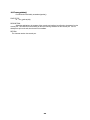
This command allows the user write to the flash. Like the ewrite command, it assumes that the data to be
written is at the location specified by "src" and the number of bytes is specified by "bytecnt".
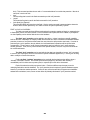
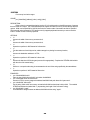
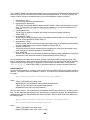
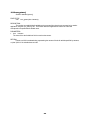
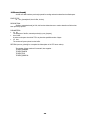
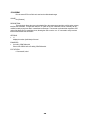
PROT vs LOCK vs LOCKDWN…
The flash command has three different mechanisms for protecting against an illegal (or unwanted) write
to flash space: protect, lock and lock down. Each mechanism has its place, and in the nutshell, it just depends
on what capability comes with the flash device on the hardware.
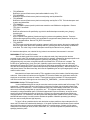
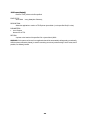
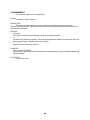
The flash “prot” protection can be applied to any device. It doesn’t require any specific capability
built into the flash. Nowadays, the majority of flash devices used have some mechanism for hardware-assisted
protection; however, a few years back that wasn’t the case; hence the soft protection was handy. If a sector is
protected by the “prot” operation, then by default, the “write/ewrite/erase” operations will be rejected at the
command line. The only way to modify a sector protected this way is to issue the “opw” (open protection
window) operation. Then, the very next command is the opened window; hence, the very next command can
be a write/ewrite/erase.
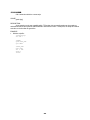
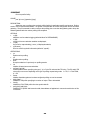
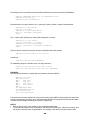
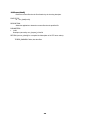
The flash “lock” protection can be used with devices that have the ability to issue a “lock” command
to a sector, thus requiring the device to have a device-specific handshake applied to it (i.e. unlock) prior to being
able to modify the content of that sector.
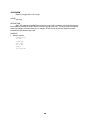
Finally, the flash “lockdwn” protection can be used with devices that have the ability to issue a
“lockdwn” command to a sector. In this mode (for devices that support it), the flash is then locked (i.e.
unmodifiable) until it is either reset or power-cycled, or a specific pin on the device is asserted.
Each of the above have their purpose and value. Each have different requirements put on the
underlying flash device and the hardware. The “prot” protection doesn’t require any specific hardware support;
however, it provides the weakest protection. Sooner or later, all devices are likely to support some hardwareassisted lock mechanism; hence, sooner or later uMon will probably eliminate the “prot” protection method.
211