1
58
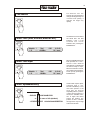
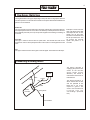
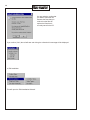
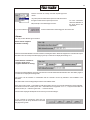
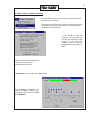
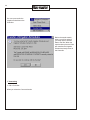
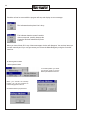
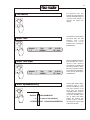
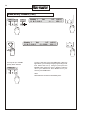
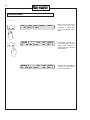
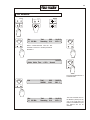
If you have programmed two
schedules to run at the same
time, the display will show a
message as shown below.
The number after @ is the
day.
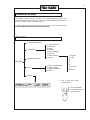
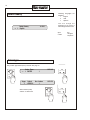
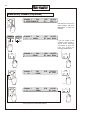
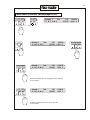
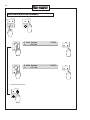
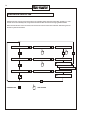
Start irrigation (AUTO)
SCHEDULE
MANUAL
STATION
AUTO
SCHEDULE
MANUAL
STATION
AUTO
Schedule 2 @ 3 23:00
** Schedule Overlap **
14:41:10
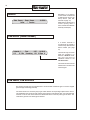
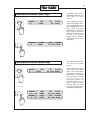
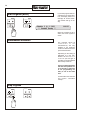
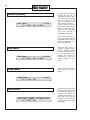
When the controller is set to
AUTO, the sensor system is
active.
Simultaneous Schedules
The controller allows all
schedules to run
simultaneously. The only
limitation is the maximum
number of valves that can be
open at the same time.
Depending on the setting of
DIP-switch no 9 the max.
Number will be 5+2=7 or
10+2=12. (For this type of
operation 2 more are allowed
than the step maximum.
There is no warning that the
limit has been passed. It is
up to the user to take care
of not programming too
many to run at the same
time.
For that reason the controller
still reports “Schedule
overlap”.
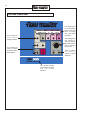
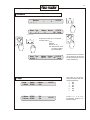
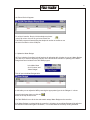
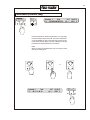
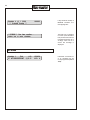
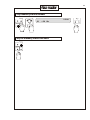
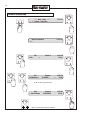
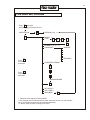
Stop irrigation
SCHEDULE
MANUAL
STATION
AUTO
SCHEDULE
MANUAL
STATION
AUTO