1
Add Note
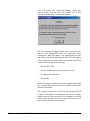
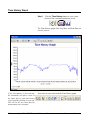
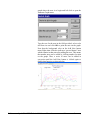
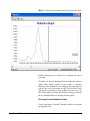
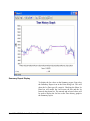
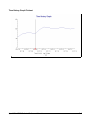
A note can be added to the time history graph to identify
problem areas or noise sources. As many notes as you want
can be added.
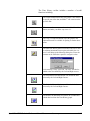
Follow the steps below to add notes to the time history
graph.
2-82
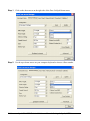
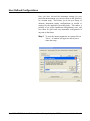
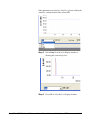
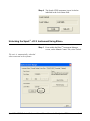
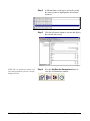
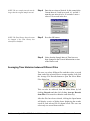
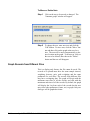
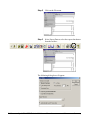
Step 1
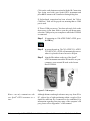
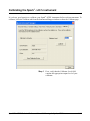
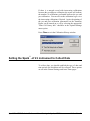
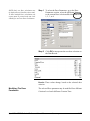
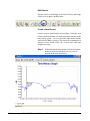
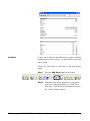
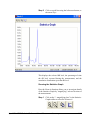
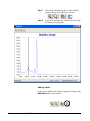
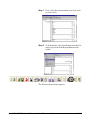
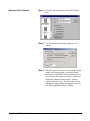
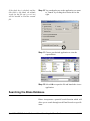
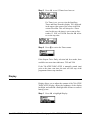
Press the Add Note button on the toolbar.
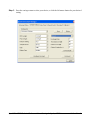
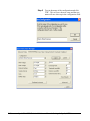
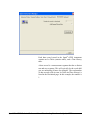
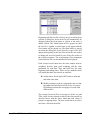
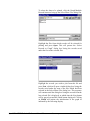
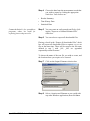
Step 2
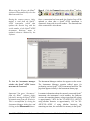
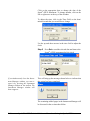
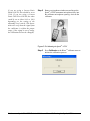
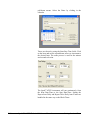
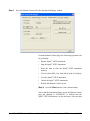
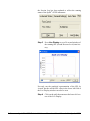
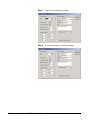
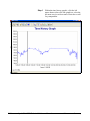
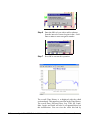
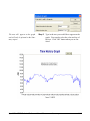
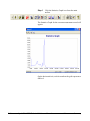
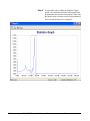
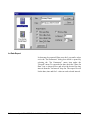
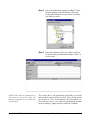
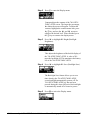
Within the time history graph, move your mouse
to the area of the graph where you would like to
add a note. Click the left mouse button to activate
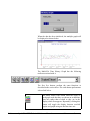
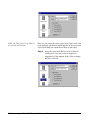
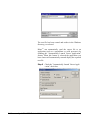
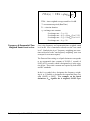
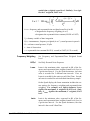
the "Annote Graph" window.
Spark 706-ATEX Technical Reference Manual
Measurement Summary