1
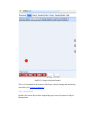
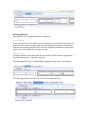
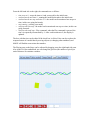
To Save a model along with its associated equations click on the Save button on the
Stage. Dialog text boxes open requiring a User Name. Press Enter when this has been
completed and a description window opens. A short description of the created model
should be entered followed by OK. The status line at the bottom of the stage will show
the progress of the uploading.
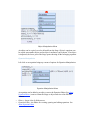
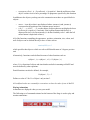
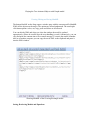
To Load the saved work by any user, click on the Load button on the Stage and after
entering the User Name, enter the description (key word or a longer description) and, if
desired, the author of the work in the CreatedBy: line.
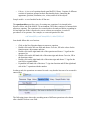
The tag "Type:" is also added that can have the value "model", "object", or "equation".
The tag "CreatedOn:" is added with the value of the time and date the model was first
created. The tag "LastModifiedOn:" is added with the value of the time and date the
model was last updated.
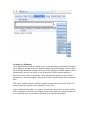
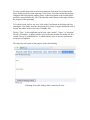
The status line will report on the progress on the downloading.
Searching for models with tag 'ball' created by all users.