1
Intelligent Surveillance Solution
System Setup
SOFTWARE SETUP
1. POS Device Management
Each NUUO Main Console system can manage up to 64 POS cash register
devices. This section will instruct how to setup configuration of POS system.
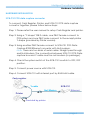
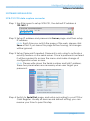
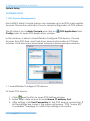
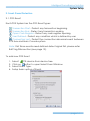
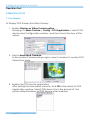
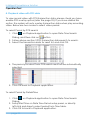
The first step is to run Main Console and click on
Config menu to open POS Application window.
POS Application from
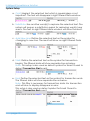
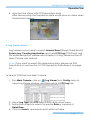
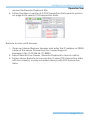
In this window, it allow to Insert/Delete/Configure POS device. Choose
devices from POS Tree, and it will show device information in POS Info
window. It will also show associated camera in below preview window.
POS Tree
POS Info
Associated Camera
1.1. Insert/Delete/Configure POS device
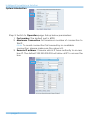
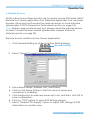
To Insert POS device
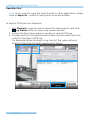
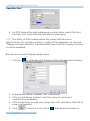
1. Click
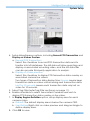
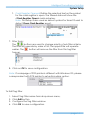
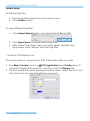
Insert button to open POS Setting window
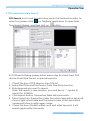
2. Setup basic data source; include Name, IP address, Port.
3. After setting, click Test Connection to test POS device connection. If
all the settings are correct, the system will popup “POS “name (IP)”
is available” message to confirm the setting is successful.
page-9