1
Page 5 of 37
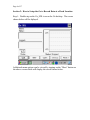
About
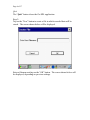
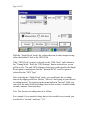
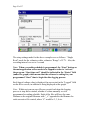
The “About” button will reveal important information about your Gx,
including the version number of the application program you are currently
running and the serial number of the voltmeter inside of your Gx datalogger.
Voltmeter
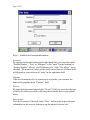
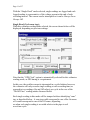
The “Voltmeter” button provides access to the stand-along voltmeter and
the waveprint generator (please see Section 3 for details).
New
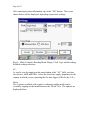
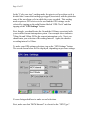
The “New” button allows a new application (a new run) to be setup (see
Step 2 below).
Open
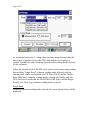
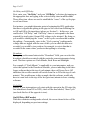
The “Open” button allows a previous run to be selected. This would be an
option, for example, if data were to be collected as part of a series of tests
and an association with an original run was required. A new file is created
when the “Open” option is selected, however, the new file will have the
same filename as the original with “_ #” appended, where “#” would be 2, 3,
4 etc, depending on how many times a file is selected via the “Open” option.