1
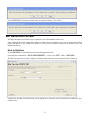
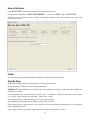
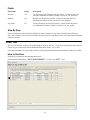
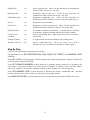
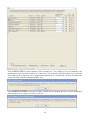
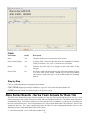
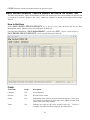
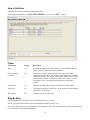
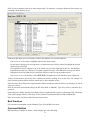
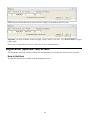
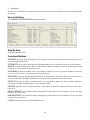
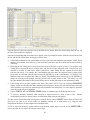
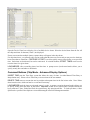
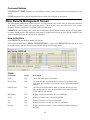
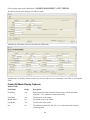
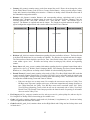
Select RUNNERS CHIPS to view chips assigned or not assigned to registrants (for chip races only where chip
is not equal to the bib).
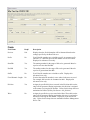
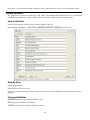
Registrants (Club Membership Race Mode) Tab/Screen
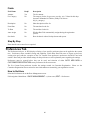
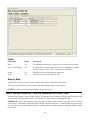
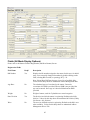
The Registrants (Club Membership Race Mode) tab/screen includes all the features of the Registrants tab/screen,
but adds several features to allow RaceTrak users manage club memberships within a “race.” Such features are
available when the Membership Checkbox is checked (via the Race Management Race Tab). This section
discusses only the additional features available in Club Membership Race Mode. New in RT6. Club members can
also be managed and tracked in Runner Management, but Club Membership Races Mode provides many more
tools for handling club members and geared toward non-rolling memberships (where RaceTrak’s Club
Membership Race Mode supports membership management when all members share the same membership start
and end dates).
Note: this screen can take a minute to load on first use of a RaceTrak session.
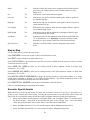
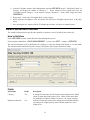
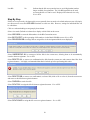
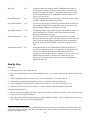
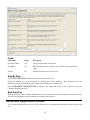
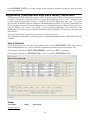
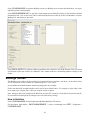
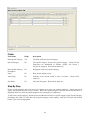
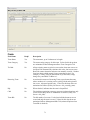
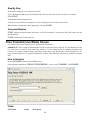
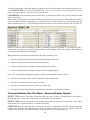
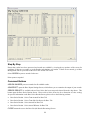
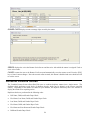
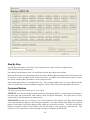
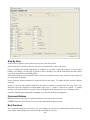
In Club Membership Race Mode, membership specific command buttons and the Show - Membership option are
available.
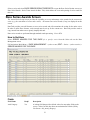
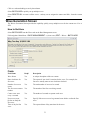
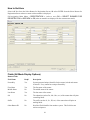
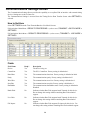
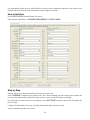
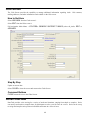
How to Get Here
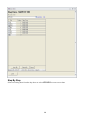
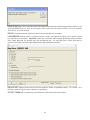
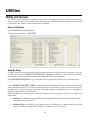
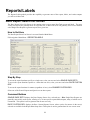
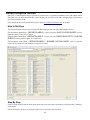
Select the Registrants tab on the Race Management screen or select REGISTRANT LIST from the Select
Runner for Registration screen. The race must have the Membership checkbox checked in the Race Tab.
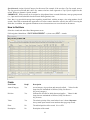
Full navigation: Main Menu > RACE MANAGEMENT > (select a race) EDIT > Registrants
Full navigation: Main Menu > REGISTRATION > (select a race) OK > REGISTRANT LIST
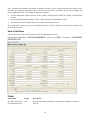
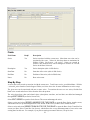
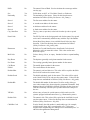
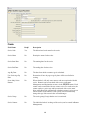
Fields
Field Name
Reqd?
Description
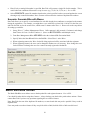
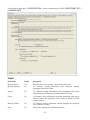
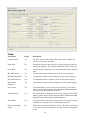
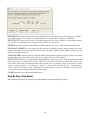
Membership View
46