1
3
8.
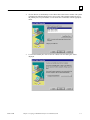
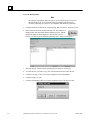
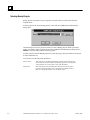
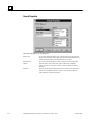
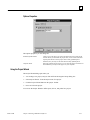
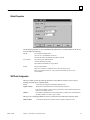
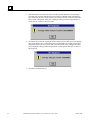
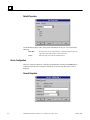
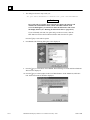
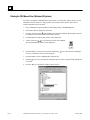
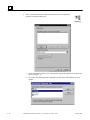
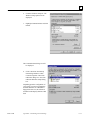
Type a label in the Backup set field and click OK. The Backup utility will finish the copy
process and display an Operation Complete box.
9.
Click OK twice to return to the Microsoft Backup dialog box.
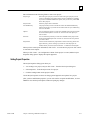
To copy a project from floppy disks to your Display Station:
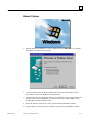
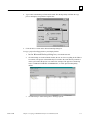
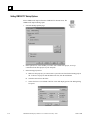
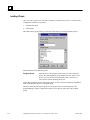
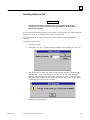
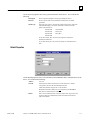
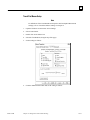
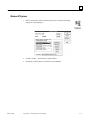
1. In the Microsoft Backup dialog box, select the Restore tab.
GFK-1220B
2.
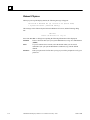
Click the backup set in the left hand column. (Be sure to select everything in the folder to
be restored.) The project will automatically be restored to the same directory location as
on the system where the project was created. For example, if the project was backed up
from C:\CIMPLICITY\PROJECTS\MYPROJECT, it will be placed in that path by
default.
3.
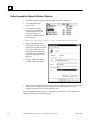
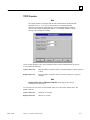
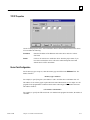
Click Next Step to start restoring files to the target system.
Chapter 3 Copying a CIMPLICITY Project to a Runtime System
3-9