1
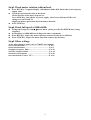
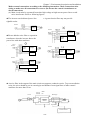
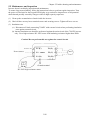
Step3 Check motor rotation without load.
z
z
z
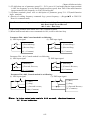
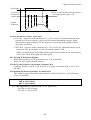
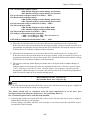
Press RUN Key. 7-segment Display will indicates 00.0to 05.0. Such value is the frequency
output value.
Check the operation direction of the motor.
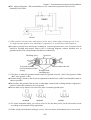
IF the direction of the motor is incorrect:
Press STOP Key, turn off the AC power supply. After Power indicator LED is off,
change over theT1 and T2.
Supply the power again, then check the motor direction.
Press STOP key.
Step4 Check full speed at 50Hz/60Hz
z
z
z
z
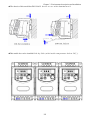
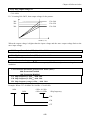
Change the frequency with ¿,À arrow mark , please press DATA/ENTER after setting
frequency.
Set frequency to 50Hz/60Hz according to the above regulations.
Press RUN Key, inspect the motor operation as motor accelerates to full load.
Press STOP Key, inspect the motor operation as motor deceleration.
Step5 Other settings
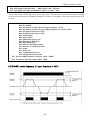
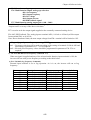
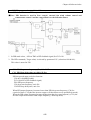
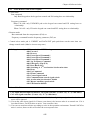
As for other function, please refer to 7300EV user manual.
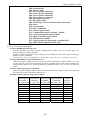
Set acceleration time ………………………………… P. 4-9
Set deceleration time ………………………………… P. 4-9
Set upper frequency limit …………………………... P. 4-12
Set lower frequency limit ……………………………. P. 4-12
Set motor rated current ………………………………P. 4-30
Set control mode (Vector, V/F) ………………………P. 4-26
ii