1
10. Delete Archer and Associated Records Form
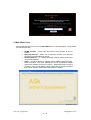
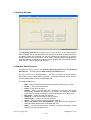
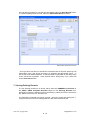
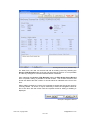
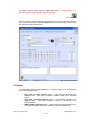
To remove an archer’s name from the ASk, press the Ctrl and D {Ctrl-D} keys
simultaneously on the keyboard to open the Delete Archer’s Name and Associated
Records form.
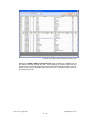
Using the mouse, highlight the archer’s name for deletion and press the Delete key
on the keyboard.
PLEASE NOTE: IF AN ARCHERS NAME IS DELETED, NEITHER THE NAME NOR
ASSOCIATED RECORDS CAN BE RETRIEVED!
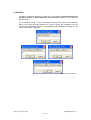
Delete Archer Name and Associated Records Form
Clive Hunt, copyright 2007
[email protected]
16 - 16