1
Using the Phone
Busy lamp field
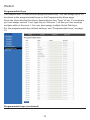
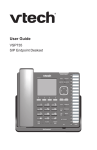
As with shared lines, you can monitor call activity using Busy Lamp Field (BLF)
keys. However, BLF keys and LEDs represent activity on an individual deskset,
not on a line. Keys configured for BLF allow you to monitor call activity for the
extension only. You can use the BLF key as a quick dial key to call the extension
and intercept ringing calls.
Note: Your system administrator sets up Busy Lamp Field keys. Your key labels
should identify the BLF keys and which extensions they monitor. The BLF feature
may not be available on your deskset.
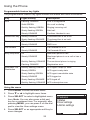
For BLF LED states, see “Programmable feature key lights” on page 22.
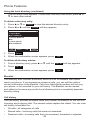
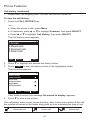
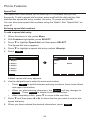
To dial a monitored extension:
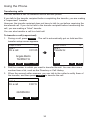
1. Press the BLF key for that extension. The monitored
extension can be idle, or have an active or held call.
Your deskset dials the extension using the first available
line key. When the other person answers, your deskset
indicates two active calls: one active call on the line key that
you dialed out on, and one active call on the BLF key of the
monitored extension you called.
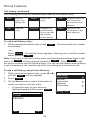
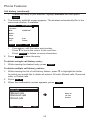
To answer a call ringing at a monitored extension:
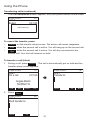
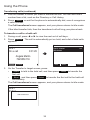
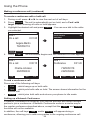
1. Press the flashing orange BLF key for the desired extension.
â
Your deskset answers the call on the first available line key.
38