1
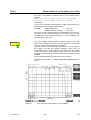
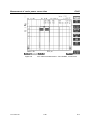
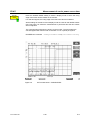
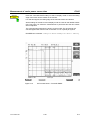
Measurement of spectrum due to modulation
FS-K5
Test hints
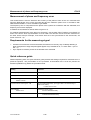
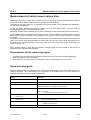
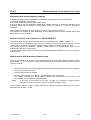
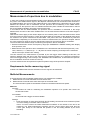
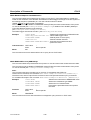
Increasing measurement speed
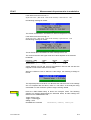
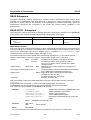
The measurement speed is considerably increased by using one of the two methods described above
(method1 & 2).
This applies for manual as well as for remote control and for both measurement types (frequency sweep
and list mode).
The best performance is obtained when the display output is switched off during remote control.
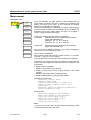
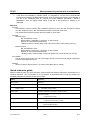
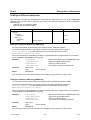
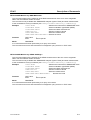
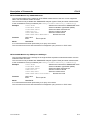
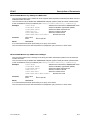
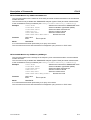
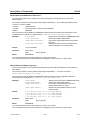
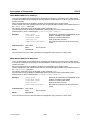
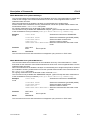
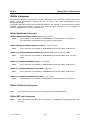
The commands of this subsystem are used for measuring the power at a list of frequency points with
different device settings. The measurement is always performed in the time domain (span = 0 Hz).
A new trigger event is required for each test point (exception: Trigger FREE RUN).
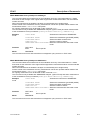
The results are output as a list in the order of the entered frequency points. The number of results per
test point depends on the number of concurrently active measurements (peak/RMS/average).
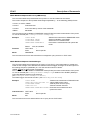
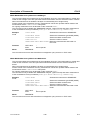
Selection of concurrently active measurements and setting of parameters that are constant for the whole
measurement is via a configuration command (SENSe:LIST:POWer:SET). This also includes the
setting for trigger and gate parameters.
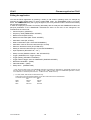
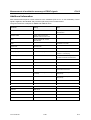
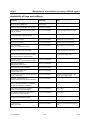
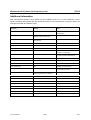
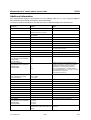
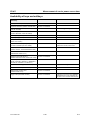
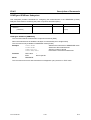
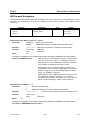
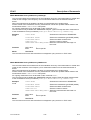
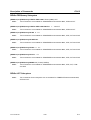
The following setting parameters can be selected independently for each frequency point:
• Analyzer frequency
• Reference level
• RF attenuation
• RF attenuation
• RF attenuation of attenuator (only with option B25)
• Resolution filter
• Resolution bandwidth
• Video bandwidth
• Measurement time
• Detector
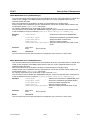
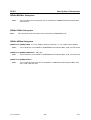
For details see manual of instrument, chapter "Remote Control – Command Description", section
"SENSe:LIST Subsystem".
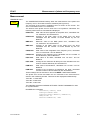
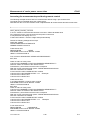
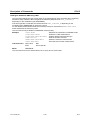
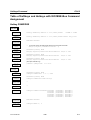
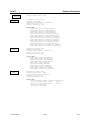
Example:
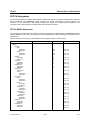
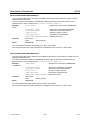
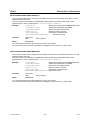
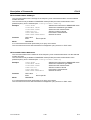
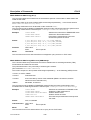
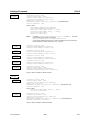
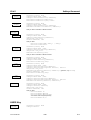
// Script for MODULATION SPECTRUM MEASUREMENT
// with user set frequencies.
//
//
//
//
//
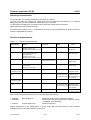
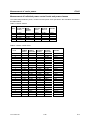
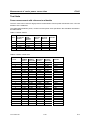
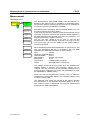
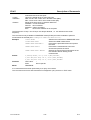
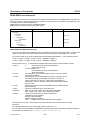
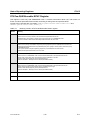
Assumes the following Signal:
1 GHz, GSM Signal with 0 dBm Power,
Slot
0
1
2
3
4
5
6
Power
off on off off off off off
TSC
1
-
External Trigger available
7
off
-
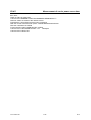
//Reset Device
*RST
//Switch to Single Sweep
INIT:CONT
OFF
//Set Center Frequency
FREQ:CENTER
1141.1515.44
1.0GHZ
2.58
E-5