1
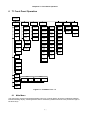
Chapter 6 T1 Front Panel Operation
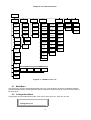
6.2 Configuration Menu
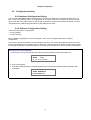
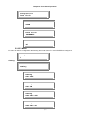
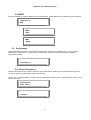
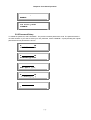
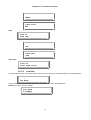
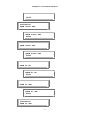
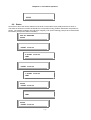
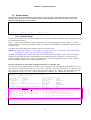
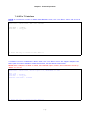
Configuration group includes xDSL mode, clock source, slave clock, T1, slave T1, line rate.
xDSL-T1-MASTER
Configuration
6.2.1 xDSL Mode
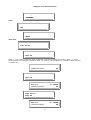
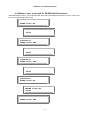
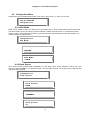
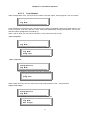
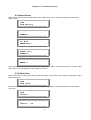
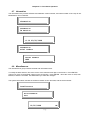
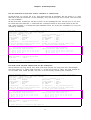
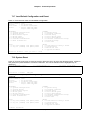
Mode can be master or slave. For each pair of connected Loop-H, one must be master and the other slave.
The Slave mode Loop-H can only be synchronized to the master through the line. To change the mode to
master or slave, use left and right arrow key cycle through to the desired selection and press ENTER. The
current selection is indicated by “*”.
Configuration
xDSL Mode
xDSL Mode
*MASTER
xDSL Mode
SLAVE
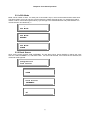
6.2.2 Clock Source
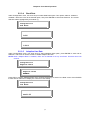
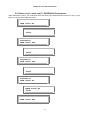
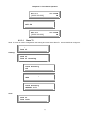
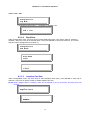
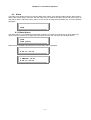
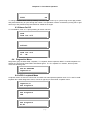
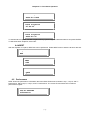
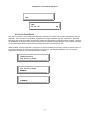
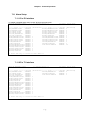
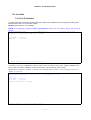
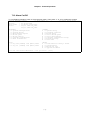
Clock source group includes LINE, INTERNAL, T1 and Slave Clock. Press ENTER to change the clock
source to LINE, INTERNAL, T1, and Slave Clock. For the mode selected, if an invalid clock is selected, the
command will be ignored.
Configuration
Clock Source
Clock Source
*LINE
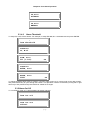
Clock Source
INTERNAL
Clock Source
T1
6-2