1
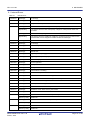
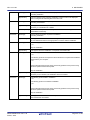
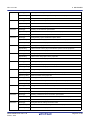
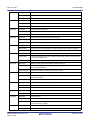
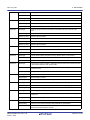
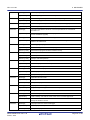
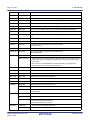
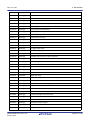
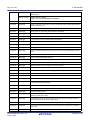
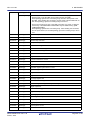
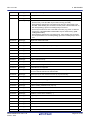
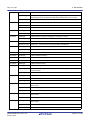
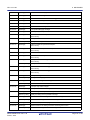
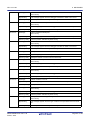
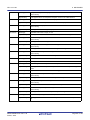
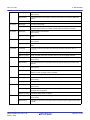
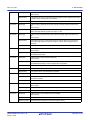
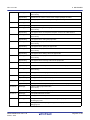
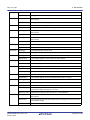
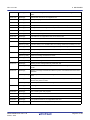
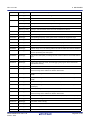
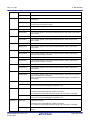
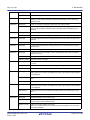
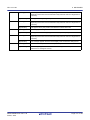
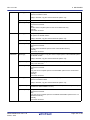
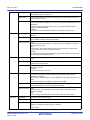
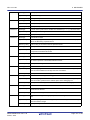
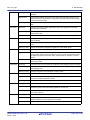
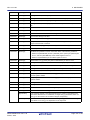
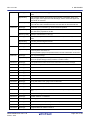
CS+ V3.01.00
E0202016
E0202017
E0202018
E0202019
E0202020
E0202021
E0202022
E0202023
E0202024
E0202025
E0202026
E0202027
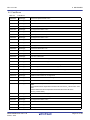
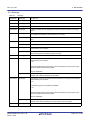
5. MESSAGES
[Message]
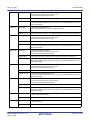
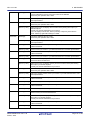
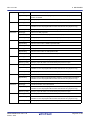
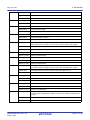
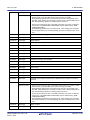
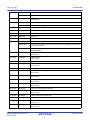
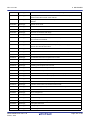
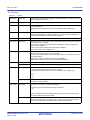
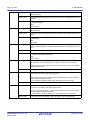
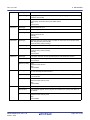
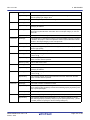
A subproject with the same ID has already been registered.
[Explanation]
This error occurs when attempting to add a sub-project with the same ID.
[Action by User]
It is not possible to add sub-projects with the same ID. Create a new sub-project,
copying from the sub-project file you wish to add.
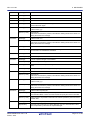
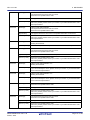
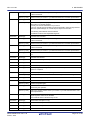
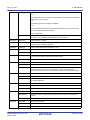
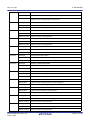
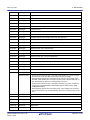
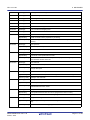
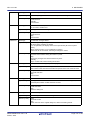
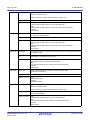
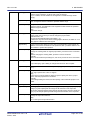
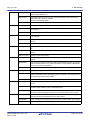
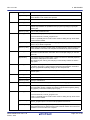
[Message]
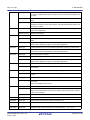
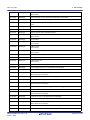
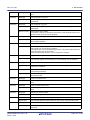
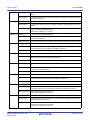
Saving build options failed.
[Explanation]
Failed to save build options to the project file.
[Action by User]
Check the version of the project file.
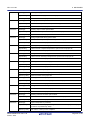
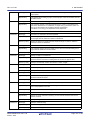
[Message]
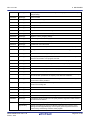
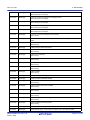
Restoring build options failed.
[Explanation]
Failed to restore build options from the project file.
[Action by User]
Check the version of the project file.
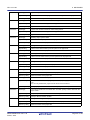
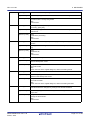
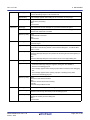
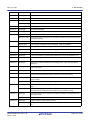
[Message]
Saving general options failed.
[Explanation]
Failed to save common options to the project file.
[Action by User]
Check the version of the project file.
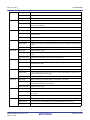
[Message]
Restoring general options failed.
[Explanation]
Failed to restore common options from the project file.
[Action by User]
Check the version of the project file.
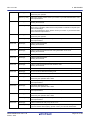
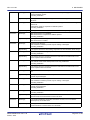
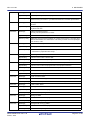
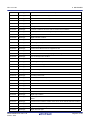
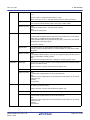
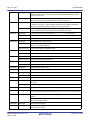
[Message]
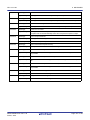
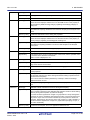
Saving compile options failed.
[Explanation]
Failed to save compile options to the project file.
[Action by User]
Check the version of the project file.
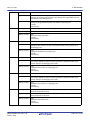
[Message]
Restoring compile options failed.
[Explanation]
Failed to restore compile options from the project file.
[Action by User]
Check the version of the project file.
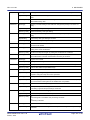
[Message]
Saving assemble options failed.
[Explanation]
Failed to save assembly options to the project file.
[Action by User]
Check the version of the project file.
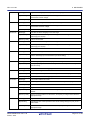
[Message]
Restoring assemble options failed.
[Explanation]
Failed to restore assembly options from the project file.
[Action by User]
Check the version of the project file.
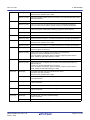
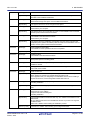
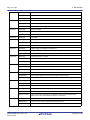
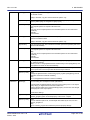
[Message]
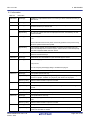
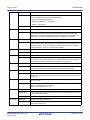
Saving link options failed.
[Explanation]
Failed to save link options to the project file.
[Action by User]
Check the version of the project file.
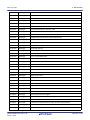
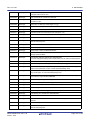
[Message]
Restoring link options failed.
[Explanation]
Failed to restore link options from the project file.
[Action by User]
Check the version of the project file.
[Message]
Saving library options failed.
[Explanation]
Failed to save library options to the project file.
[Action by User]
Check the version of the project file.
R20UT3286EJ0100 Rev.1.00
Feb 01, 2015
Page 27 of 156