1
6.1 Entering text and numbers
Using the Input Panel
When you start an application or select a field that requires text, symbols, or numbers, the Input
Panel icon appears on the menu bar. The Input Panel allows you to select various input methods
including: Block Recogniser, Keyboard, Letter Recogniser, Transcriber, and XT9.
Using the Block Recogniser
The Block Recogniser allows you to use a single stroke to write letters, numbers, symbols,
or punctuations, which are converted into typed text.
To use the Block Recogniser:
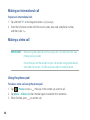
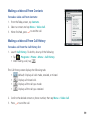
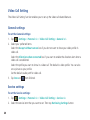
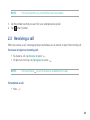
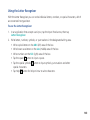
1. In an application that accepts user input, tap the Input Panel arrow, then tap
Block Recogniser.
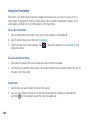
2. Write letters, numbers, symbols, or punctuations in the designated writing area.
• Write letters on the abc (left) area of the box.
• Write numbers on the 123 (right) area of the box.
• Tap the space
• Tap the special symbols button to input
symbols, punctuations and other special characters.
• Tap Help
button to input a space.
button for help on how to write characters.
101