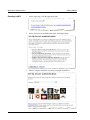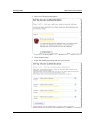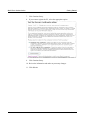
1
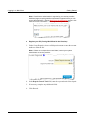
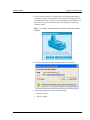
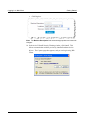
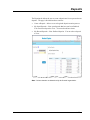
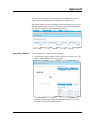
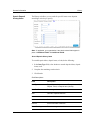
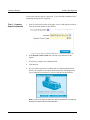
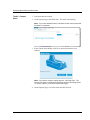
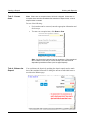
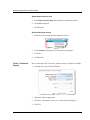
Logging in to Web Client Getting Started Note: If multi-factor authorization is required by your service provider, additional pages requiring additional information appear before you can access the application. See the Multi-Factor Authentication section in this manual for more information. The image below is just a sample. Register your PC (if using Web Client for the first time) 3. Under Create Deposits, select a valid deposit account or enter the account number to filter the list. Note: If there are no deposit accounts listed, contact your system administrator or service provider. 4. In the Deposit Control Total field, enter the expected total of the deposit. 5. If necessary, complete any additional fields. 6. Click Proceed. 1-8