1
Creating a Deposit
Working with Deposits
as necessary until the deposit is approved. You can include comments when
submitting the deposit for reapproval.
Task 1: Complete
Deposit Information
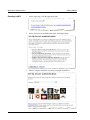
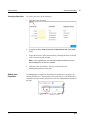
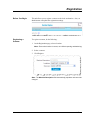
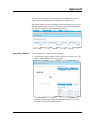
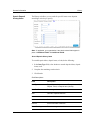
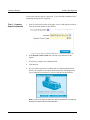
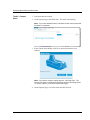
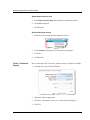
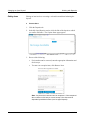
1. In the Create Deposit section of the page, select a valid deposit account or
enter the account number to filter the list.
2. In the Deposit Control Total field, enter the expected total for the
deposit.
3. If necessary, complete any remaining fields.
4. Click Proceed.
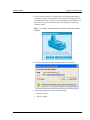
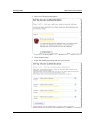
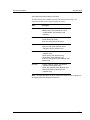
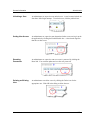
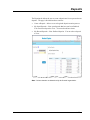
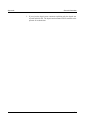
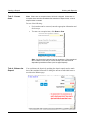
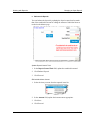
5. If a new scanner interface is available and your financial organization
allows you to update it, the Update Scanner Interface dialog appears for
you to install the new interface or proceed with the current interface.
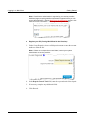
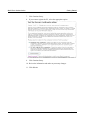
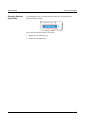
Note: If you do not have the rights to install a new interface, you will only
be able to proceed with the current interface
3-4