1
4100/4200 Router User’s Guide
Monitoring Network Health
System Summary
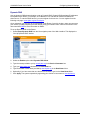
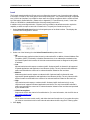
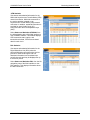
The “System Summary” window provides basic descriptive information that identifies the router, system
type, current software and firmware versions, the MAC address (unique device identifier), and the status
of currently configured connections.
Connection information includes the identification and current status of configured point-to-point (PPP)
and static connections. Select Status and Statistics>System Summary from the left navigation pane of
the Web interface to view this information.
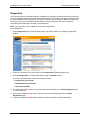
System Log
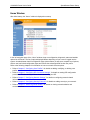
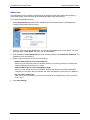
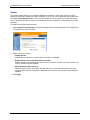
The “System Log” window displays a record of all system activity, including what actions were performed,
what packets were dropped and what packets were forwarded. This information allows you to make
informed decisions about the need to add new filter rules.
The System Log contains a maximum of 200 entries; each entry may contain a maximum of 200
characters. Select Status and Statistics>System Log from the left navigation pane of the Web interface
to view the “System Log” window.
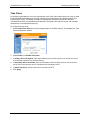
• To update the display, click Refresh.
• To clear the log, click Clear Log.
• To change the events displayed in the log, modify the Log Display Options, then click Apply.
56