1
150
CHAPTER 8
User Interface Reference
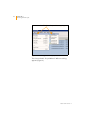
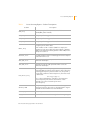
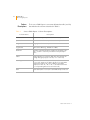
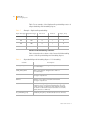
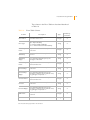
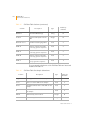
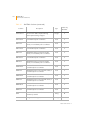
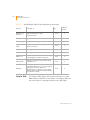
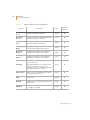
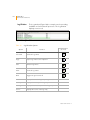
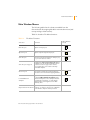
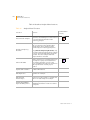
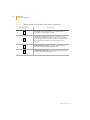
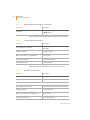
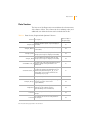
Table 23 describes Tools Menu functions.
Table 23
Tools Menu Functions
Selection
Function
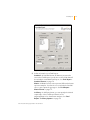
Options | Project
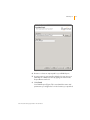
Displays the Project Properties window in
which you can make changes to
project settings.
Options |
GenomeStudio
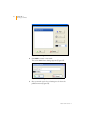
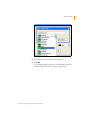
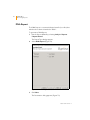
Opens the GenomeStudio Options
window in which you can select
GenomeStudio options, including the
maximum number of project files and
display attributes such as font name, size,
and style.
Options | Module
Allows you to select storage and
memory options.
Toolbar Button
(if used)
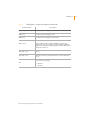
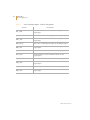
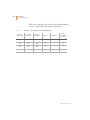
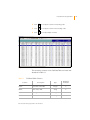
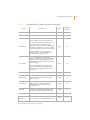
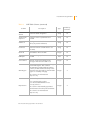
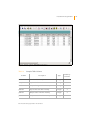
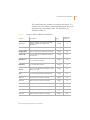
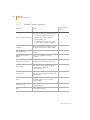
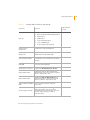
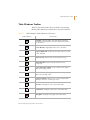
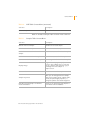
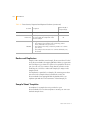
Table 24 describes Windows Menu functions.
Table 24
Windows Menu Functions
Selection
Function
Toolbar Button
(if used)
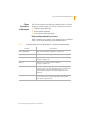
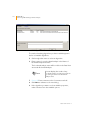
The Window menu is populated with a list of available windows to
display. Windows marked with a check mark are currently displayed.
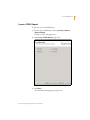
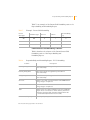
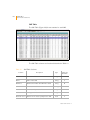
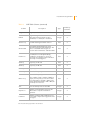
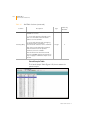
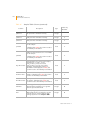
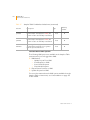
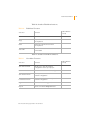
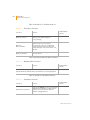
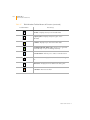
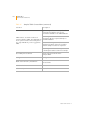
Table 25 describes Help Menu functions.
Table 25
Help Menu Functions
Selection
Function
About GenomeStudio
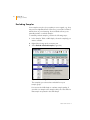
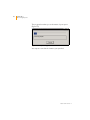
Brings up the About box for your currentlyinstalled GenomeStudio modules, which
contains version information and the
Software Copyright Notice.
Toolbar Button
(if used)
Part # 11319113 Rev. A