1
ChemBioFinder 13.0
Creating a domain
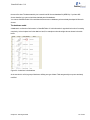
Before you create a domain, you must run a query to define the subset of the database with which you want to work.
This subset becomes the domain.
Tip: If you want your domain to have a particular order, sort before creating the domain. The order will be preserved for all subsequent use.
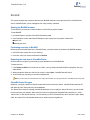
To create a domain:
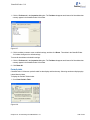
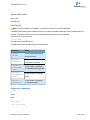
1. Select a query by double clicking on it.
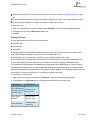
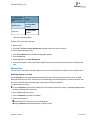
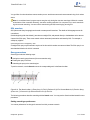
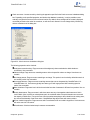
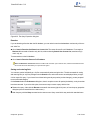
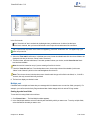
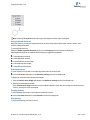
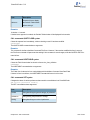
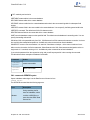
2. Go to Search>Domain>Set Domain to Current List.
Query control display
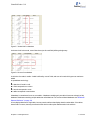
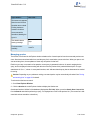
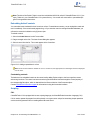
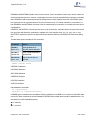
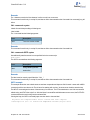
When you run queries in a domain, they will not be displayed as child queries of the domain unless you select Over
Current List on the Search menu and specify the domain as the active list.
Cancelling the domain
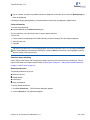
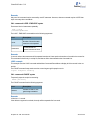
If you no longer want to use a domain, go to Search>Domain>Reset to Full Database again to cancel it.
Creating an mdb database
When working with a large, Oracle-based database on a server, it is sometimes convenient to store a subset of the
database (dataset) as a local database. ChemBioFinder local databases are Microsoft Access-based (file extension:
MDB), so the exported dataset must take into account Access naming rules and limitations.
Access database rules
Because ChemBioFinder 13.0 uses the Access (Jet) database standard, names of fields, controls, and objects must
conform to Access rules. These are:
May be up to 64 characters long.
May include any combination of letters, numbers, spaces, and special characters except a period (.), an exclamation point (!), an accent grave (`), or brackets ([ ]).
Must not begin with leading spaces.
Must not include control characters (ASCII values 0 through 31).
Must not include a double quotation mark (“) in table, view, or stored procedure names.
Creating a local copy of a database
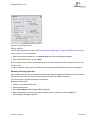
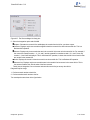
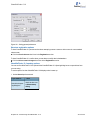
If you frequently use a set of data that never changes, consider exporting the data as a local ChemBioFinder database. Having a local database often makes many common tasks run faster; tasks such as browsing, searching, plotting, and analyzing.
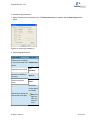
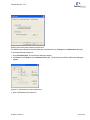
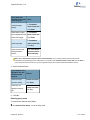
Creating a local database requires two steps:
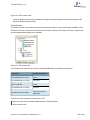
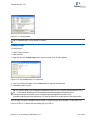
1. Exporting the dataset as a CFXML file and
Chapter 15: BioSAR
197 of 342