1
ChemBioFinder 13.0
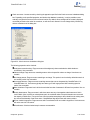
SYSMETRIC [v] index
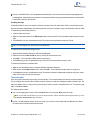
MSG displays a message box with the specified text, and waits for the user to click.
STATMSG displays information on the status line.
TIMEDMSG displays a message box similar to the MSG command, but the message disappears automatically after
a specified number of seconds. For example: TIMEDMSG 10 ˝This message will disappear automatically after 10 seconds.˝
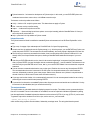
FONT changes the current font. Any boxes created subsequently adopt this font. Follow the keyword with a name
from your Windows font list, followed optionally by:
Font size in points (default is 8).
Style from the list below (default is 0, or plain text).
Color; three values for red, green, and blue, each ranging from 0 to 255 (default is 0,0,0, or black).
Font styles are sums of bold (1), italic (2), and underline (4). Thus a style value of 1 means bold, 3 means bold+italic, 6
means italic+underline, and so on.
SEEPTAB briefly displays the periodic table window, then closes it. The window will be displayed for the amount of
time specified (1 decisecond = 0.1 second). If the duration is omitted, it will be displayed for four seconds.
QUITECLOSE closes the active form. This command is similar to FILE CLOSE, but automatically discards any
changes instead of prompting the user what to do.
HIDETABLE closes the Table View window for the current form. If a subform is active, it returns the subform to form
view.
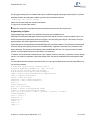
SET allows you to modify basic ChemBioFinder settings, including most of those found in the Preferences dialog box
and several that cannot be accessed in any other way. See the online help for a complete listing of parameters that
can be SET.
CLEAN will atte mpt to standardize the bond lengths and angles of the current molecule. It is the same as opening the
molecule in ChemDraw, and selecting the Clean Up Structure command. The arguments are optional.
HELP displays a list of all valid CAL commands. The valid parameter types are listed for each command, as is a brief
description.
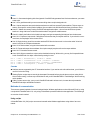
SET/GET functions store data in the Windows registry under HKEY_CURRENT_USER\Software\CambridgeSoft\ChemFinder\13.0\General\Options
SOUND plays a .wav file you specify.
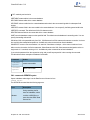
SYSMETRIC retrieves the specified system metric into a variable.
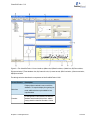
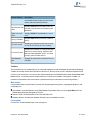
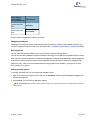
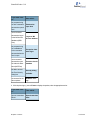
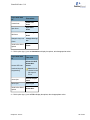
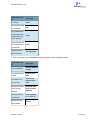
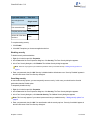
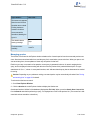
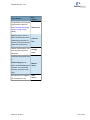
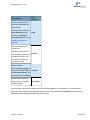
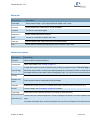
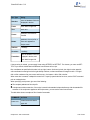
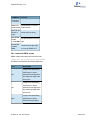
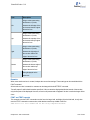
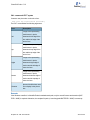
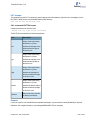
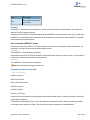
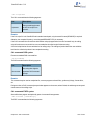
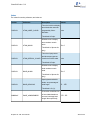
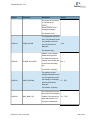
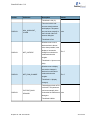
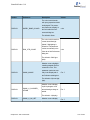
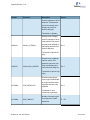
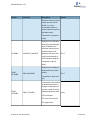
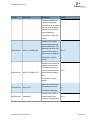
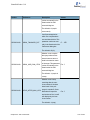
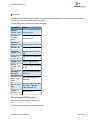
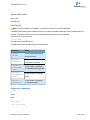
The table below shows examples of General Commands:
Chapter 20: CAL Commands
264 of 342