1
Overview of SYS/BIOS
www.ti.com
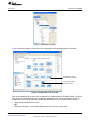
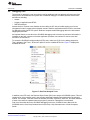
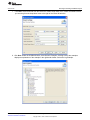
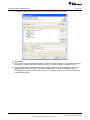
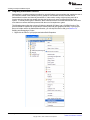
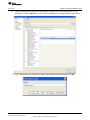
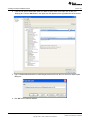
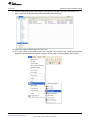
Figure 5 shows the options window that appears when the task module is selected. This window controls
the global task options. The options for individual tasks are modified by clicking the specific task in the
outline.
Figure 5. Edit Module Options
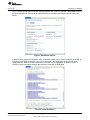
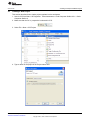
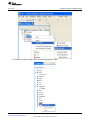
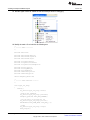
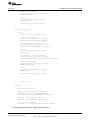
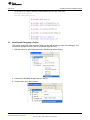
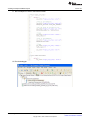
In addition to the graphical configuration utility, a text-based editor can be used to configure the RTOS. At
the bottom of the window shown in Figure 5 is a Source tab. This tab displays the text version of the
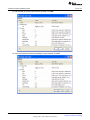
configuration file. When a module is selected, the relevant code is highlighted, as shown in Figure 6.
Clicking an item in the outline changes the sections of code that are highlighted.
Figure 6. Text-Based Editor
SPMA040A – January 2012 – Revised November 2012
Submit Documentation Feedback
Using SYS/BIOS With Stellaris® ARM® Cortex™-M3 Microcontrollers
Copyright © 2012, Texas Instruments Incorporated
5