1
Making calls
Using the stereo headset
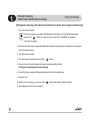
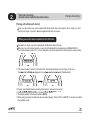
Make sure that your stereo headset is connected to your mobile phone.
Using a mobile phone
Using the phone s keypad, dial the required number.
Send the call from the phone (Phone initiates the call).
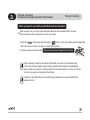
The call will automatically transfer to the stereo headset. However, for some mobile phones, you must press
Talk (
) button to make the call transfer to the stereo headset. Please refer to your phone s user guide.
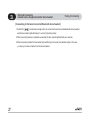
Using redialing the last call
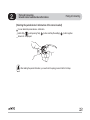
With your stereo headset, you can re-dial the last call dialed or received.
Press Talk (
) button and you can see the latest call numbers on the mobile phone.
Press Talk (
) button again.
After you hear the short beep, you will hear the dialing tones from speaker.
Note
Some mobile phones may re-dial the last call by pressing Talk (
) button once.
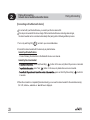
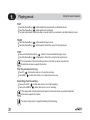
Using voice dialing
To make calls using voice dialing with your stereo headset, your mobile phone needs to support voice dialing
and the feature must be activated.
Press and hold Talk (
) button for 2 seconds and you can hear a short beep. Voice dial as you normally
would.
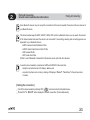
Note
It is dependent on a mobile phone s function and is possible when the mobile phone supports
Hands-free profile.