1
Application
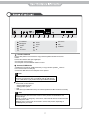
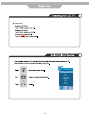
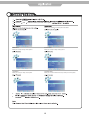
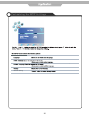
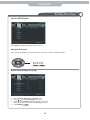
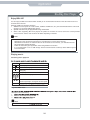
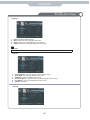
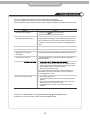
Customising the LOCK Settings
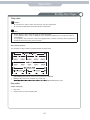
LOCK
Off
Lock Channel
Change Password
Block Programme
No Block
Parental Guidance
Quit
Back
Select
Use the
and
buttons to select the LOCK menu(as the picture above), press
menu.
Note: You should enter the code to operate the menu.(original code is 0000)
button to enter the
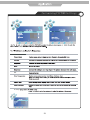
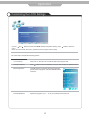
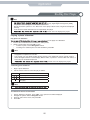
The LOCK menu includes the following options :
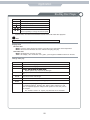
Lock Channel
When turn on, the user can not manual search and program edit.
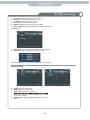
Change Password
Press
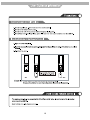
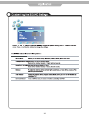
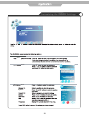
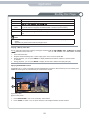
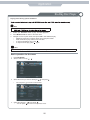
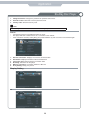
Block Programme
Press
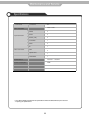
button to enter the submenu as the right
picture, select a program, and press GREEN button
to block it.
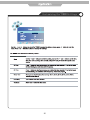
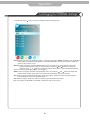
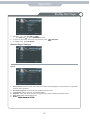
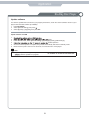
Parental Guidance
Cycles among ages: 4,5,6......18, or you could turn the function off.
button to enter the submenu, and you could change the password here.
17